
Product Information
What is Swish Scan?
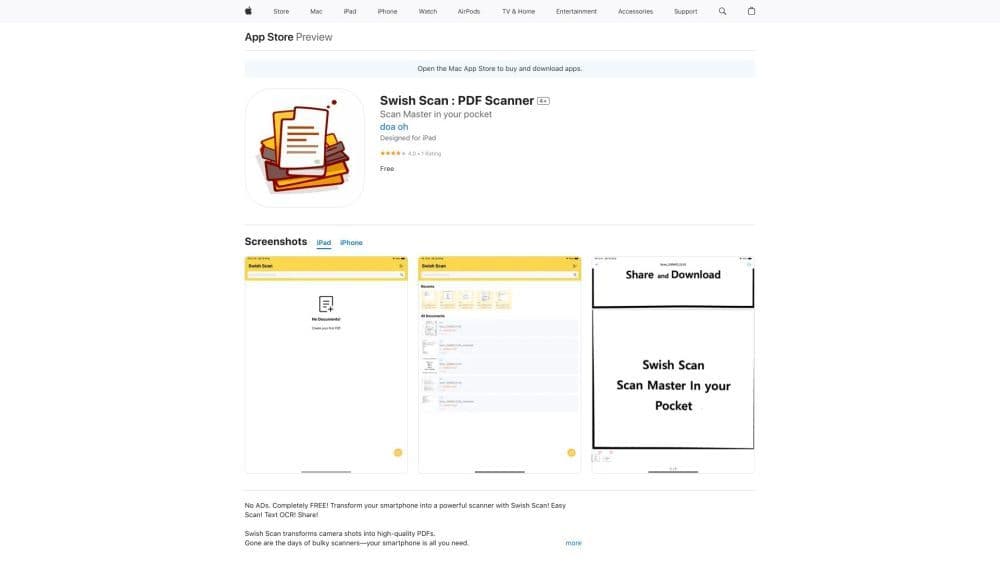
Swish Scan is a web-based PDF scanning and OCR tool that enables users to instantly capture documents using a camera and extract text from PDFs, supporting multiple languages.
How to use Swish Scan?
Using Swish Scan is simple: open the website on your device, select the camera option, and place the document within the frame. The tool automatically captures the document and generates a high-quality PDF. For OCR, upload the PDF and select the desired language for text extraction.
Core Functions of Swish Scan
Instantly capture documents with the camera
Support OCR in multiple languages
Image processing for perfect scan results
Smart edges ensure documents fit the page perfectly
Usage Scenarios of Swish Scan
- Scan receipts and invoices for expense tracking
- Digitize paper documents for easy storage and access
- Convert printed materials into editable text
- Create PDFs from physical documents anytime, anywhere
Common Questions about Swish Scan
What file formats does Swish Scan support?
Can I extract text in multiple languages with Swish Scan?
Does Swish Scan require registration or an account?
Is the OCR feature accurate?