
Product Information
What is TabHub?
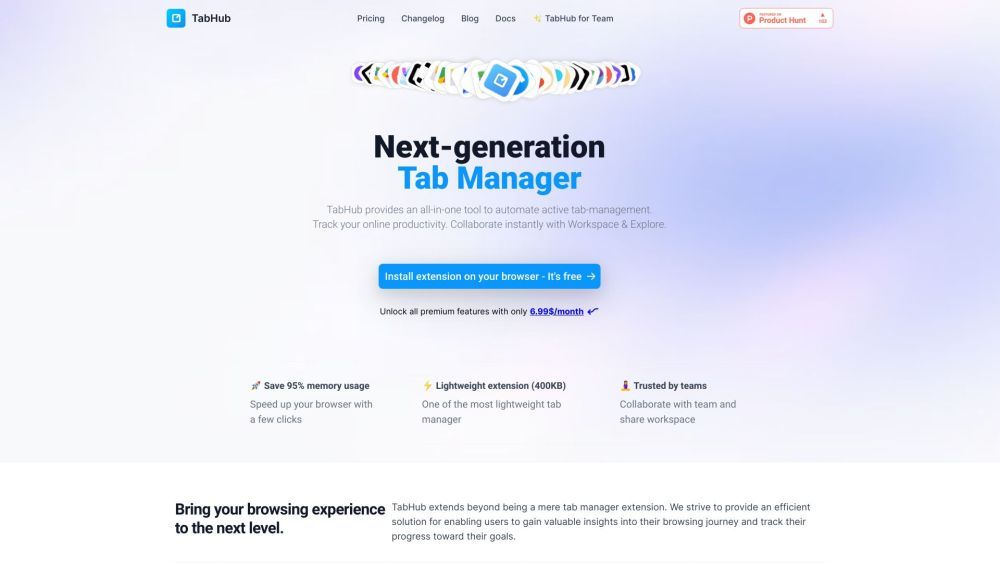
TabHub is a browser extension and productivity tool that offers an all-in-one solution for managing active tabs. It helps users track their online work efficiency, collaborate with team members, and gain deep insights into their browsing history.
How to use TabHub?
To use TabHub, simply install the extension on Chrome or Arc. Once installed, users can leverage features like tab management, time tracking, bookmark syncing, AI-powered grouping, and team collaboration. Users can also customize their workspace, explore public workspaces, and enjoy seamless browsing across devices with cloud sync.
Core Functions of TabHub
Tab management: easily sort, group, save, and restore tabs
Time tracker: monitor website visits, track time usage, and gain valuable insights
AI-powered grouping: organize tabs into well-structured groups with one click
Bookmark sync: sync browser bookmarks and edit via TabHub web app
Quick access: pin favorite links for fast and easy access
Collaboration: collaborate with team members in real-time, share tabs, and manage member permissions
Usage Scenarios of TabHub
- Individual users who want to improve browsing efficiency and gain insights into online habits.
- Teams and collaborators needing real-time browsing solutions for efficient cooperation.
- Users who want to organize tabs, track browsing activities, and sync bookmarks across devices.
Common Questions about TabHub
How do I install TabHub?
Can I use TabHub on multiple devices?
Does TabHub offer team collaboration features?
Is there a free version of TabHub available?
Can TabHub help me improve browsing efficiency?