




Product Information
What is Tl;dv?
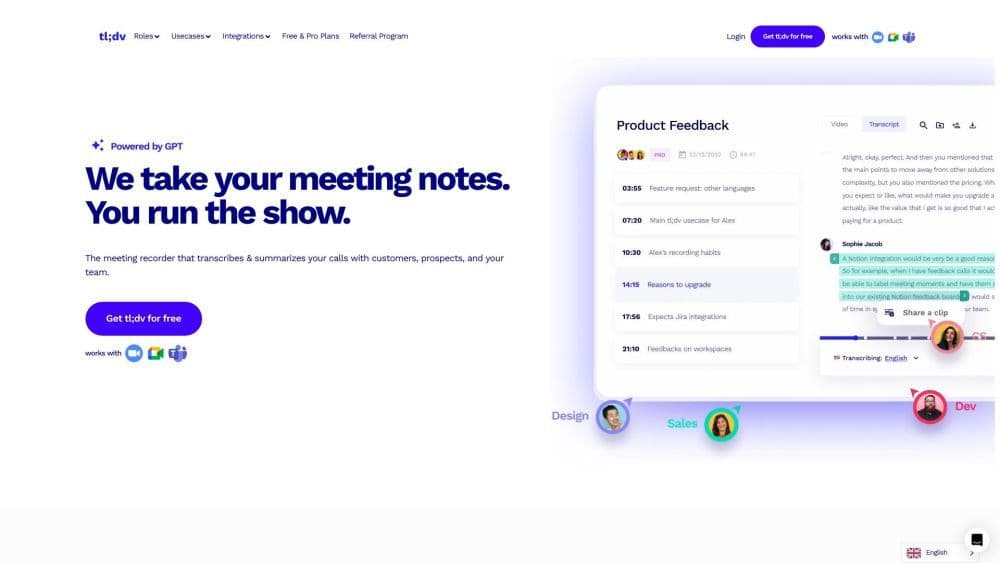
tl;dv is an AI-powered meeting recorder for Zoom and Google Meet. It records videos, transcribes, highlights, and shares your online meetings.
How to use Tl;dv?
To use tl;dv, just install the app or Chrome extension for Zoom or Google Meet. Once installed, you can start recording meetings and access the recorded videos and transcripts in your meeting library.
Core Functions of Tl;dv
Video Recording
Transcription
Highlight
Sharing
Usage Scenarios of Tl;dv
- Enhance reports with AI annotations, clips, and cross-session AI insights
- Expand candidate screening with recordings, AI annotations, and integrations
- Foster team cohesion with automatic meeting summaries and recordings
- Gain AI insights and scale sales rep training with automated data
- Obtain superior support insights with AI annotations and cross-session summaries
- Analyze meetings with conversational intelligence
- Advance onboarding with engaging and effective knowledge bases
- Gain valuable insights and a deeper understanding of customer needs
- Easily draft reports with automatic annotations, clips, and cross-session prompts
- Promote skill development and knowledge sharing across the organization
Common Questions about Tl;dv
Which languages does tl;dv support for meeting transcriptions?
Can I create clips from my meeting recordings?
Can I search for keywords in meeting transcriptions?
Does tl;dv integrate with other collaboration platforms and CRMs?



















