
Product Information
What is Cargo?
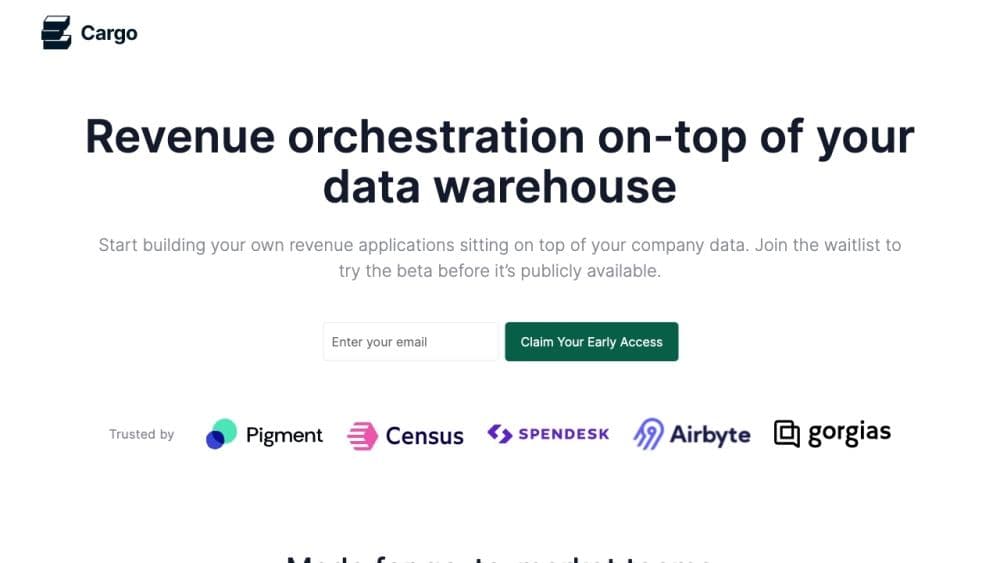
Cargo is a modern CDP (Customer Data Platform) specifically designed for sales teams. It serves as a revenue infrastructure, enabling sales representatives to access qualified customer accounts at scale.
How to use Cargo?
To use Cargo, sales teams can follow these steps: 1. Connect: Integrate all relevant tools and data into a centralized hub. 2. Segment: Easily segment leads based on various criteria such as demographics, behavior, or engagement. 3. Enrich: Enhance lead information by gathering data from different sources. 4. Score: Rate leads based on quality and conversion potential. 5. Assign: Distribute leads to sales reps based on territory or expertise. 6. Orchestrate: Build automated workflows to streamline revenue operations. 7. Activate: Focus sales reps on selling by automating revenue operations.
Core Functions of Cargo
Segmentation: Efficiently segment leads based on various criteria.
Enrichment: Enhance lead information by gathering data from multiple sources.
Lead Scoring: Score leads to prioritize high-quality prospects.
Lead Assignment: Distribute leads to sales reps by domain or expertise.
Orchestration: Automate revenue operations and workflows.
Data Integration: Connect and control all tools and data in one place.
AI-based Sales Copilot: Generate sales notes at scale for meaningful conversations with leads.
Usage Scenarios of Cargo
- Sales scaling: Provide sales reps with high-quality leads to maximize productivity and effectiveness.
- Data democratization: Abstract data warehouses for easy use by non-technical staff.
- Pipeline growth: Use a sales team-oriented customer data platform to drive pipeline growth.
Common Questions about Cargo
Do I need a data warehouse to use Cargo?
Do I need coding to use Cargo?
How do I use AI in Cargo?
What if Cargo doesn't natively support certain tools?