
Product Information
What is GetButton?
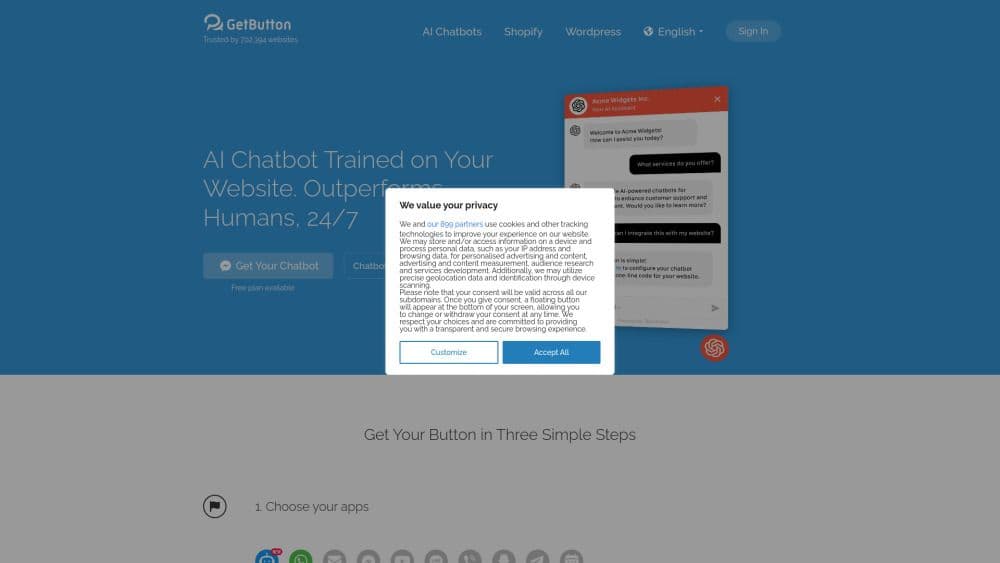
GetButton is an AI chatbot platform that allows you to easily add a custom ChatGPT-powered chatbot to your website 🤖.
You can train this chatbot using your website's content and files, enabling it to provide accurate and helpful responses to your visitors. It also helps you capture leads, gain valuable insights, and automatically handle up to 90% of customer support and sales inquiries 💩.
How to use GetButton?
To use GetButton and add a custom ChatGPT chatbot to your website, follow these steps: 1. Log in to your GetButton account at https://admin.getbutton.io/chatbots. 2. Enter the chatbot's name, language, welcome message, and settings. 4. Choose data sources (website URL or files like PDF, TXT, DOCX, CSV, or XLSX) to train the bot. 5. Click 'Create Chatbot' and wait for training to complete. 6. Embed the provided JavaScript code on your website. For detailed instructions, see: https://help.getbutton.io/article/140-how-to-use-getbuttion-io-to-create-an-ai-chatbot.
Core Functions of GetButton
💥 Lead Collection Feature, Enabling Chatbots to Ask for Visitor Contact Information During Conversations, Helping You Capture High-Quality Leads.
📄 Support for Multiple File Types (PDF, TXT, DOCX, CSV, XLSX) for Training Chatbots
🔧 Custom Instruction Feature to Adjust Chatbot Tone, Behavior, and Conversation Flow Based on Your Business Goals
🎨 Custom Welcome Messages and Chatbot Appearance
🔄 Retrain Chatbot Responses Based on Corrections
🚀 Flagship GPT-4.1 Model
🏢 Special Plans for Agencies
🌏 Multilingual Support and RTL Mirroring for Chatbot Interface
Usage Scenarios of GetButton
No usage scenarios available, please contact customer service for details
Common Questions about GetButton
No common questions available, please contact customer service for details