
Product Information
What is Rewind?
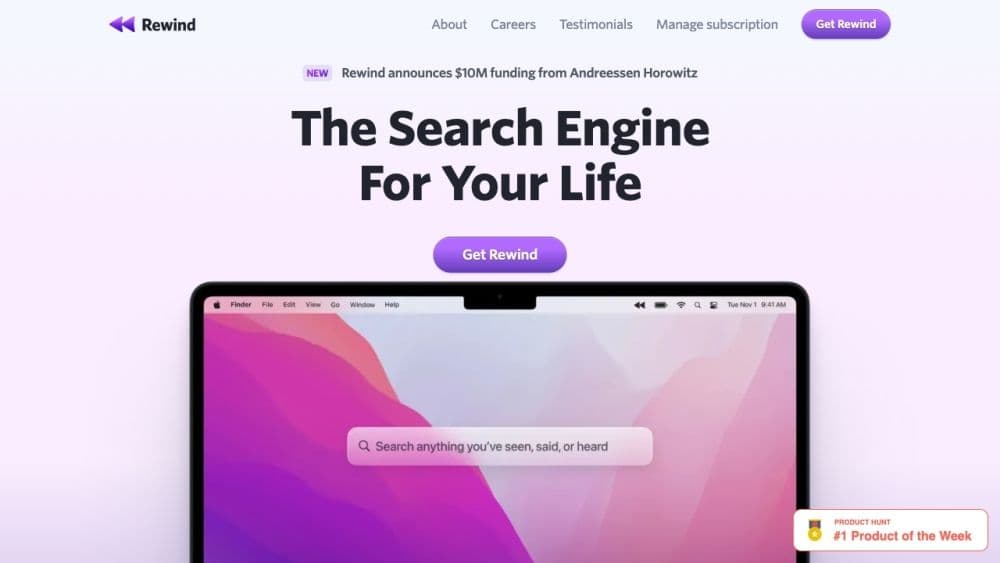
Rewind is an AI-powered application that captures and records everything you see on your Mac and iPhone, making it easy for you to search and retrieve information.
How to use Rewind?
To use Rewind, download and install the app on your Mac and iPhone. It requires no integration with other services. Once installed, Rewind automatically captures and logs your activity on both devices, creating a searchable database. Browse, search, or ask Rewind's AI assistant to find information.
Core Functions of Rewind
Automatically capture activities on Mac and iPhone
Private, searchable database
Meeting automation with note-taking and AI summaries
Back up all activities to prevent data loss
Personal AI assistant for task execution and information retrieval
Usage Scenarios of Rewind
- Executives: Stay organized, quickly retrieve key info, and auto-record meeting notes
- Engineers: Backup and recover lost work, use AI for research and efficient communication
- Sales: Boost productivity with auto-summaries and efficient client info retrieval
- ADHD users: Focus on tasks by delegating note-taking and info retrieval to Rewind's AI assistant
Common Questions about Rewind
How does Rewind's compression work?
How much CPU resources does Rewind use?
Can I use Rewind to record and transcribe meetings?
What hardware is required to run Rewind?
Where will my data go?