




Product Information
What is Array?
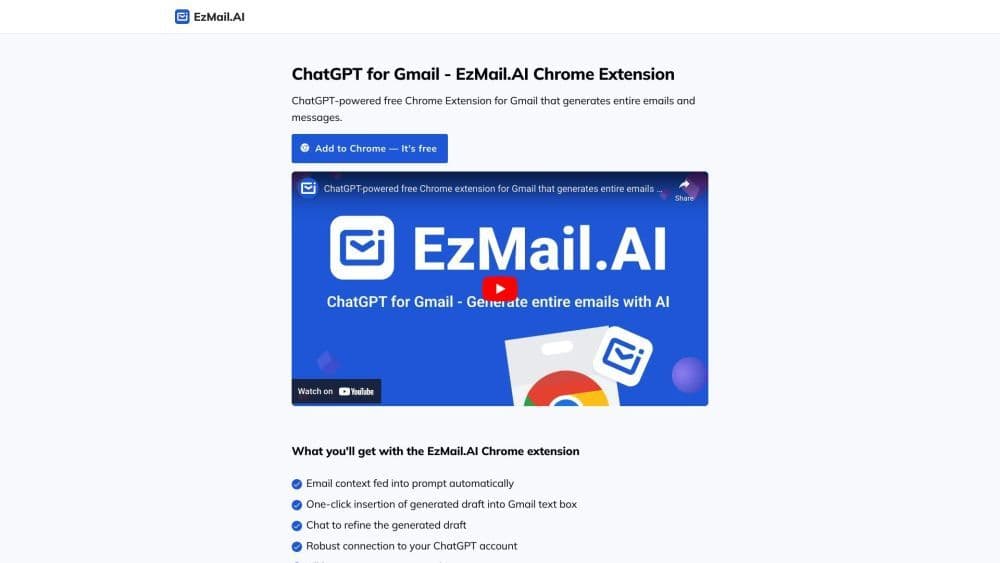
What is EzMail.AI? EzMail.AI is a free Chrome extension that utilizes the powerful language model ChatGPT to generate entire emails and messages. It seamlessly integrates with your Gmail account, offering you an effortless way to compose personalized email responses.
How to use Array?
How to Use EzMail.AI in Gmail Install the EzMail Chrome extension. Open Gmail and reply to an email. Click the EzMail extension button in the Gmail text box. Briefly describe what you want to reply, then click the generate button. ChatGPT will create a personalized draft of your email reply. If needed, refine the draft by continuing the conversation. Click the insert button to place the draft into the Gmail text box.
Core Functions of Array
Input Automated Email Context into Prompts
Insert Generated Drafts into Gmail with One Click
Improve Generated Drafts Through Conversation
Stable Connection to Your ChatGPT Account
Support for All Languages
100% Privacy-Focused
Usage Scenarios of Array
- Efficiently write personalized email responses
- Save time by generating draft emails for routine replies
- Boost productivity by focusing on key email content
- Overcome writer's block and generate creative email responses
- Simulate conversations to refine drafts and ensure clarity
Common Questions about Array
Titles



















