




Product Information
What is Audeo.ai?
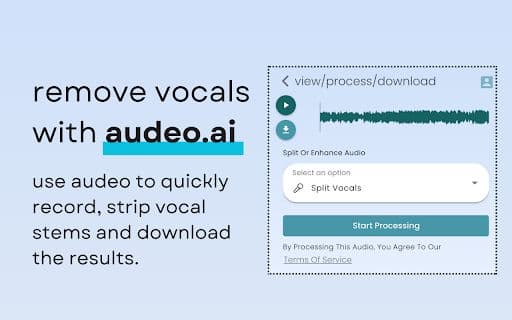
Record, edit, and enhance audio right in your browser with ease. Split tracks, remove background noise, or isolate vocals in just a few clicks. Whether you’re a musician, podcaster, or audio enthusiast, audeo.ai is your ultimate audio companion.
How to use Audeo.ai?
1. Open audeo.ai in your browser. 2. Click the 'Record' button to start recording audio. 3. Use the tool to edit and enhance the audio. 4. Download the final audio file in high quality.
Core Functions of Audeo.ai
Easy browser audio recording
Audio track splitting and noise removal
Simple audio file editing and enhancement
High-quality audio downloads
Usage Scenarios of Audeo.ai
No usage scenarios available, please contact customer service for details
Common Questions about Audeo.ai
No common questions available, please contact customer service for details



















