



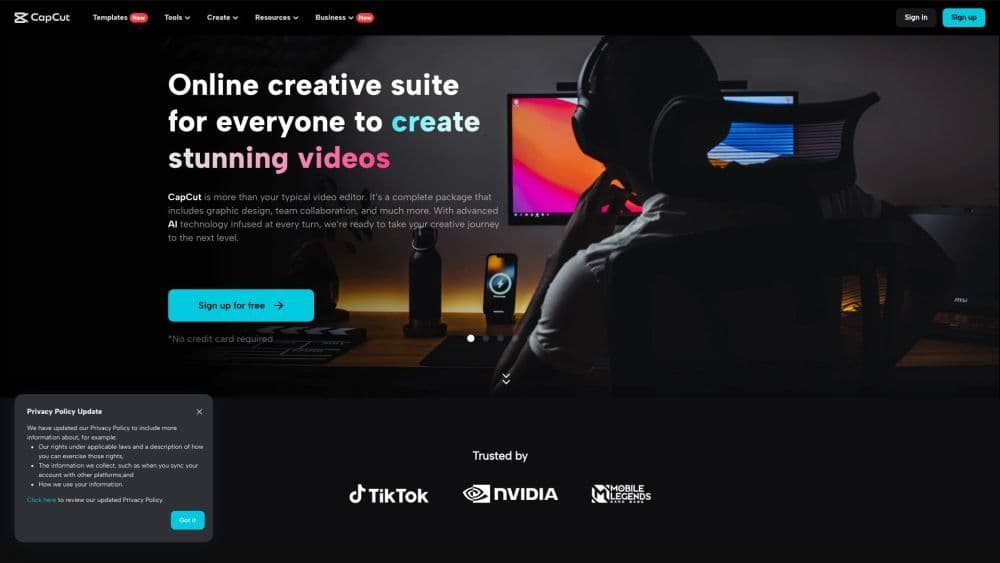

Product Information
What is CapCut?
CapCut is an AI-powered all-in-one creative platform for video editing and image design, available on browsers, Windows, Mac, Android, and iOS.
How to use CapCut?
CapCut offers a variety of video editing and graphic design tools and features. Users can access CapCut through a browser for online editing, download the desktop app for offline editing, or use the mobile app for on-the-go editing. With CapCut, users can trim, clip, and edit videos; add text and subtitles; incorporate music and sound effects; apply video effects and filters; remove backgrounds; enhance image and video resolution; and collaborate with team members.
Core Functions of CapCut
Desktop and mobile video editor
Video effects and filters
Background removal
Image enhancement
Text-to-Speech
AI color correction
Old photo restoration
Portrait generator
Resize video
Collaboration Tools
Media library
Usage Scenarios of CapCut
- Online video editing
- Graphic Design
- Commercial videos and advertisements
- Social media content creation
- Lifestyle videos
- Marketing and Branding
Common Questions about CapCut
Which platforms does CapCut support?
What video editing features does CapCut offer?
Can multiple users collaborate on CapCut?
Is there a free version of CapCut?
Does CapCut provide a library of video editing and design materials?
Is my data and privacy safe when using CapCut?



















