




Product Information
What is CapGen?
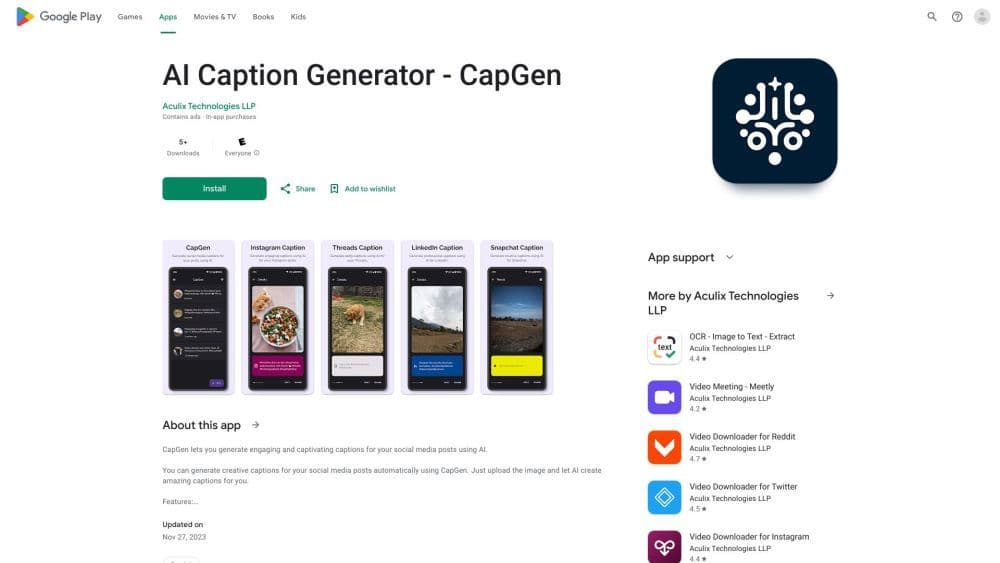
CapGen is an AI-powered tool that automatically generates engaging captions for social media posts.
How to use CapGen?
There are two main ways to use CapGen:
Method 1:
1. Open the image you want captioned in your gallery.
2. Click the share icon below the image to open the share panel.
3. Select CapGen from the app list to start generating captions for the image.
Method 2:
1. Open the CapGen app.
2. Click the 'New' button to select an image.
3. Your caption generation should start automatically.
Core Functions of CapGen
Use AI for automatic headline generation
Supports generating captions for Instagram, Facebook, Twitter, Threads, Snapchat, and LinkedIn
Usage Scenarios of CapGen
- CapGen is suitable for individuals and businesses looking to save time and effort in creating compelling headlines for social media posts.
Common Questions about CapGen
Which platforms does CapGen support for generating captions?
Can I directly post images with generated captions to my favorite social media apps?
How do I use CapGen to generate captions for my images?
Where should I contact for support or to provide feedback?



















