




Product Information
What is ContentFries?
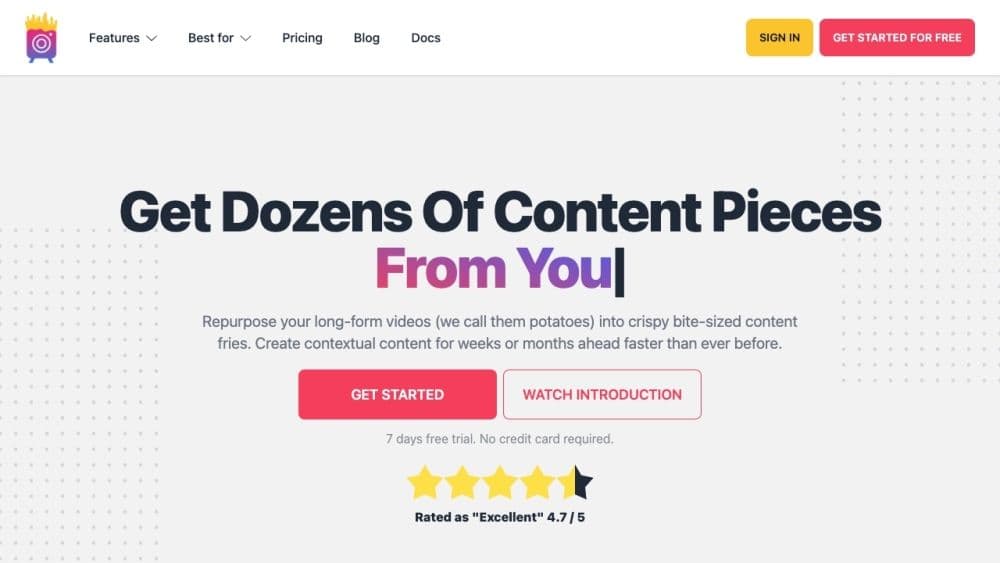
ContentFries is a specialized content repurposing app that transforms your videos into weeks' worth of fantastic and engaging content. With this app, you can swiftly and effortlessly create clip content, helping you build a larger audience and a stronger brand.
How to use ContentFries?
To use ContentFries, simply sign up for an account and log in. Drag and drop your long videos into the app and use the drag-and-drop feature to clip content segments. You can convert videos to audio or vice versa, appealing to a broader audience by transforming content into different formats, and enhance your videos with subtitles, descriptions, progress bars, and other elements. The app offers powerful templates, automatic video resizing, engaging titles, quick batch exporting, and more, making your content creation process efficient and effective.
Core Functions of ContentFries
Convert long videos into clipped content
Generate transcripts and subtitles with high accuracy
Adapt content for different platforms
Create engaging videos using templates and stock media libraries
Add subtitles, descriptions, progress bars, and other elements to videos
Export multiple videos at once via the cloud
Automatically add intros and outros to videos
Remove silent parts and filler words from videos
Usage Scenarios of ContentFries
- Convert long audio/video into social media content
- Create engaging clips from podcasts, live streams, webinars, interviews, etc.
- Attract more superfans on social media with amazing content
- Transcribe videos into blog posts for improved accessibility
- Enhance brand consistency and engagement across multiple platforms
Common Questions about ContentFries
Which platforms support content repurposing?
Can I add captions and descriptions to my videos?
Can I export multiple videos at once?
Does ContentFries offer video creation templates?
Can I remove silent parts and filler words from my videos?



















