




Product Information
What is Descript?
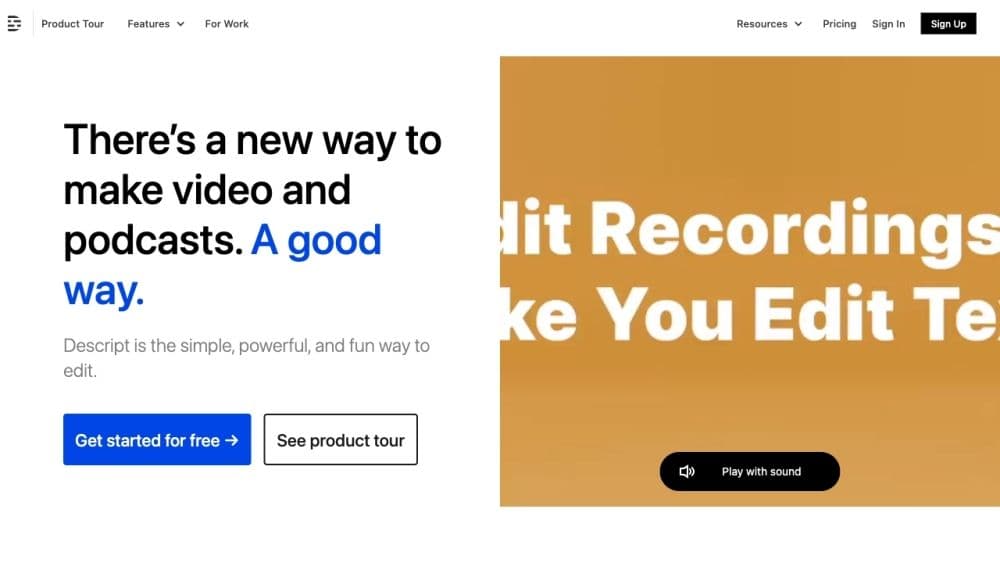
Descript is a software that combines video and podcast editing, allowing users to write, record, transcribe, edit, collaborate, and share their videos and podcasts. It utilizes powerful AI technology to streamline the editing process and offers a user interface similar to working with documents and slides.
How to use Descript?
To use Descript, sign up for a free account and explore its features. Start by writing or importing a script, recording audio or video, and letting Descript auto-transcribe. Edit using the intuitive interface by cutting, rearranging, and applying effects. Collaborate by sharing projects and allowing edits. Finally, publish and share finished videos or podcasts with Descript's embeddable player.
Core Functions of Descript
Video editing: Edit videos as easily as documents and slides.
Podcast production: Easily perform multi-track audio editing.
Transcription: Industry-leading accuracy and speed with powerful correction tools.
Screen recording: Instantly capture, edit, and share screen and camera recordings.
AI voice: Use AI-generated voices for narration and dubbing.
Multi-track audio editing: Edit multiple audio tracks simultaneously.
Usage Scenarios of Descript
- Produce Professional-Quality Videos
- Edit and Publish Podcasts
- Collaborate with Team Members on Video and Audio Projects
- Easily Transcribe and Edit Interviews or Recordings
- Record and Share Screen and Camera Videos
Common Questions about Descript
Can I use Descript to edit videos and podcasts?
Does Descript have transcription capabilities?
Can I collaborate with others on Descript projects?
What are some use cases for Descript?



















