




Product Information
What is Gling?
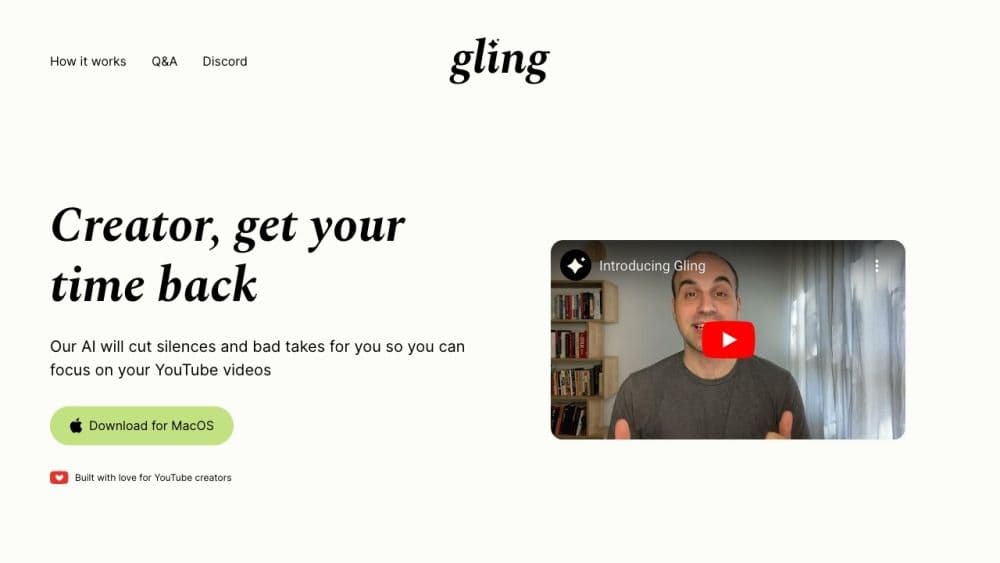
Gling AI is an AI-powered video editing tool specifically designed for YouTubers. It automatically cuts out silences and mistakes from raw footage, allowing you to focus on the creative aspects of video editing.
How to use Gling?
To use Gling AI, download the desktop app for macOS or Windows. Upload your original video file, and Gling will transcribe the audio, identifying and removing unwanted silences and verbal stumbles. You can then review the edited video, make further edits if needed, and export it to your favorite video editor or as a standalone media file.
Core Functions of Gling
Automatically detect and remove silent and incorrect shots
Support for video and audio files
Export options: Popular video editors (Final Cut Pro, DaVinci Resolve, Adobe Premiere) or as MP4/MP3 media files and SRT subtitles
Accurate AI transcription and editing
YouTuber free use of Gling's creator program
Extensive language support: English, Spanish, Portuguese, French, German, Russian, Italian, Dutch, and Hebrew
Usage Scenarios of Gling
- Automatically delete unwanted silences and bad takes to save time and effort in post-production
- Enable creators to focus on the creative aspects of video editing rather than tedious cutting work
- Streamline video editing workflows by conveniently exporting edited videos to common video editors
- Enhance the overall quality and smoothness of YouTube videos by removing unnecessary pauses and speech disfluencies
Common Questions about Gling
How does Gling AI work?
Is Gling AI free to use?
What languages does Gling AI support?
Can I easily integrate Gling AI into my current video editing workflow?
Does Gling AI have a referral program?



















