




Product Information
What is IntelliBar?
IntelliBar is a productivity-focused ChatGPT application designed to assist users in accomplishing tasks efficiently and effortlessly.
How to use IntelliBar?
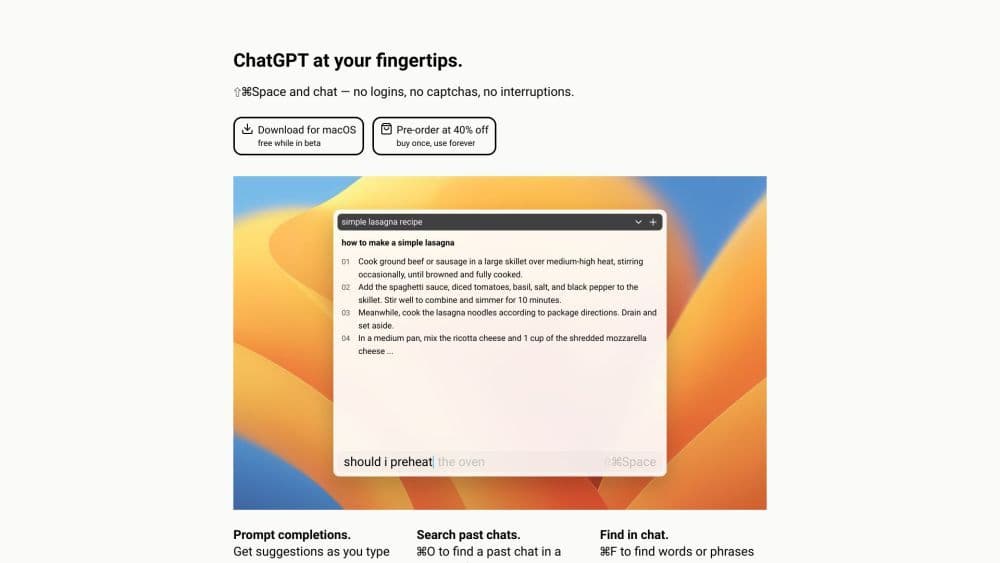
To use IntelliBar, just download the Mac app during the testing phase or pre-order at a discounted price. After installation, you can press a custom keyboard shortcut to open IntelliBar from any app without switching contexts. You can ask questions or request actions in natural language, and IntelliBar will provide prompt completions or suggestions as you type. You can also set up .md files from local folders as a prompt library for easy inclusion of prompts. The app supports shortcuts for various functions, such as search commands, editing the last prompt, and copying blocks.
Core Functions of IntelliBar
AI-Driven
ChatGPT app focused on productivity
Open IntelliBar from any app with custom keyboard shortcuts
Ask questions or request actions using natural language
Prompt completion and suggestion features
Supports setting up a prompt library for easy inclusion
Shortcuts for various functions
Usage Scenarios of IntelliBar
- Efficiently Managing Tasks and To-Do Lists
- Getting Quick Answers or Information on Any Topic
- Summarizing Selected Text or Files from Any Application
- Modifying or Editing Selected Text or Files
- Boosting Productivity by Reducing Context Switching
Common Questions about IntelliBar
What is IntelliBar?
How do I use IntelliBar?
What are the core features of IntelliBar?
What are the use cases for IntelliBar?
How much does IntelliBar cost?




















