




Product Information
What is Intercom?
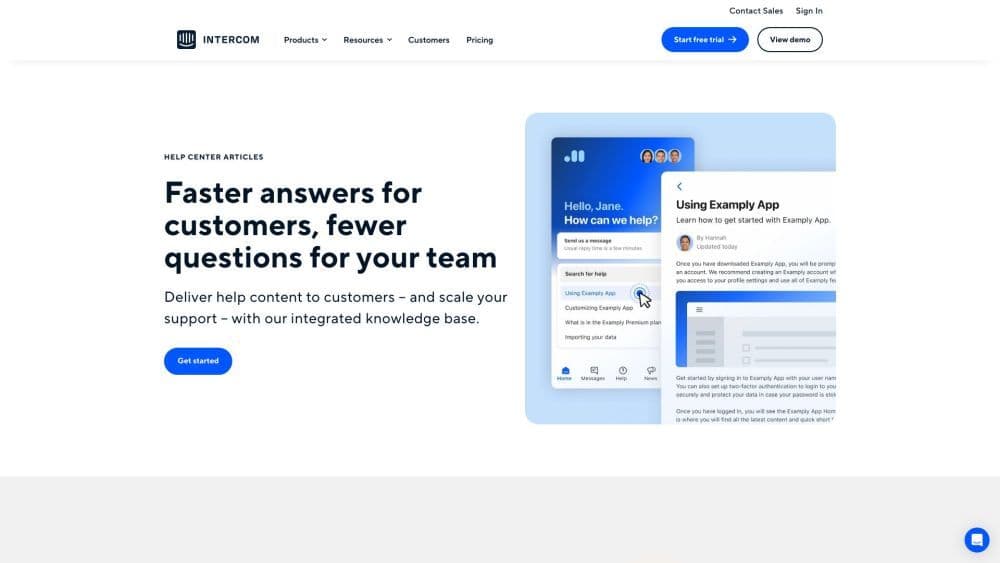
Deliver faster answers to customers and reduce issues for your support team with Intercom's integrated knowledge base.
How to use Intercom?
To use Intercom's integrated knowledge base, set up a central hub for customers to find answers, tips, and important information. Customize the help center to match your brand. Use multimedia to create engaging articles and tailor them to different audiences. Use feedback loops to improve your content. Use outbound messages to address issues before they arise.
Core Functions of Intercom
Workspace connecting inboxes, tickets, and help centers
AI chatbots and automation
Product tours, outbound messages, and more for proactive support
Fully integrated omnichannel platform
Messenger apps and integrations
Access customer service trends, product launches, and best practices in the resource library
Integrate or build apps in the Developer Hub
Gain insights and best practices from industry experts in webinars
Take in-depth courses to learn Intercom
Learn how to grow your business on Intercom through demo series
Ask questions, find answers, learn from experts, connect, and get inspired in the community
Provide help center articles for faster self-service answers
Usage Scenarios of Intercom
- Provide help content to customers
- Expand support coverage
- Create multilingual articles
- Publish engaging articles
- Tailor help content for different audiences
- Customize help centers to match your brand
- Improve content based on feedback
- Resolve issues proactively with outbound messages
Common Questions about Intercom
What is Intercom?
How does Intercom's integrated knowledge base work?
Can I create multilingual articles with Intercom?
Can I customize the help center to match my brand?
How does Intercom help me improve my content?
What are outbound messages?
Which industries is Intercom suitable for?



















