




Product Information
What is MacGPT?
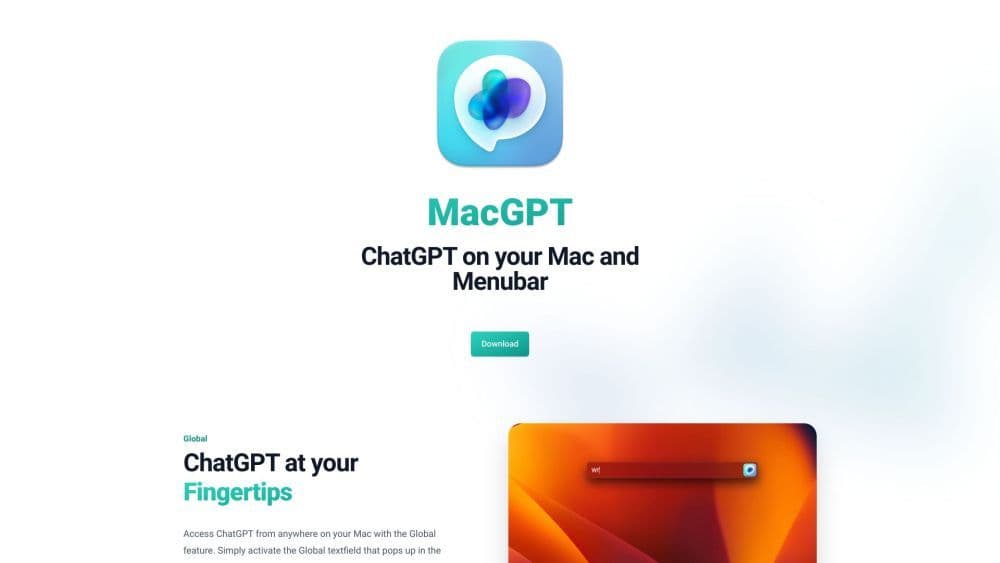
MacGPT is a tool that brings the AI language model ChatGPT, developed by OpenAI, right to your Mac's menu bar. It enables you to effortlessly access and interact with ChatGPT from anywhere on your computer.
How to use MacGPT?
To use MacGPT, simply download and install the app for free on your Mac. Once installed, you can activate the global feature to open a text box where you can start chatting with ChatGPT. Additionally, you can use MacGPT's built-in functionality to directly enter trigger phrases and prompts in any text box, and ChatGPT will generate responses. You can also access ChatGPT via the website or the menu bar. It even supports conversation mode, allowing for interactive two-way dialogue without the need for a keyboard.
Core Functions of MacGPT
AI chatbot, located in the menu bar, AI-driven
AI Chatbot
Sits in the MenuBar
AI-Powered
Global ChatGPT at your fingertips
Embedded MacGPT for input trigger phrases and prompts
Quick access via menu bar
Local access to ChatGPT via website or API
Easily copy conversation history
Voice conversation mode
Usage Scenarios of MacGPT
- Have quick and fun conversations with ChatGPT
- Use your ChatGPT Plus account to access ChatGPT
- Use your own OpenAI API key for a better experience
- Create multiple conversations with different prompts
- Conveniently access ChatGPT via the MacGPT app
- Use GeePeeTee (MacGPT on iPhone) for on-the-go conversations
Common Questions about MacGPT
Can I use MacGPT with a ChatGPT Plus account?
How do I use MacGPT with my OpenAI API key?
Can MacGPT work with GPT-4?
Which macOS versions does MacGPT support?
Can I use MacGPT on a proxy server?
Is MacGPT available for iPhone?
Is MacGPT free?
Where can I find MacGPT's developer press releases and privacy policy?
Can I copy conversations with ChatGPT in MacGPT?
Is there a conversation mode in MacGPT?
How can I provide feedback on MacGPT?
Are there any limitations when using MacGPT with certain apps?



















