




Product Information
What is Messaging?
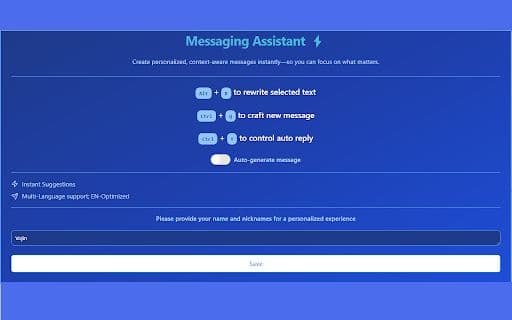
The Message Assistant helps users craft replies in WhatsApp conversations and rewrites selected text for greater conciseness. It optimizes communication with efficient shortcuts, supports multiple languages, and ensures privacy by not storing user data.
How to use Messaging?
When using the message assistant, generate replies by selecting a message and pressing CTRL + Q. To rewrite text, select it and press ALT + R, or right-click and choose 'Rewrite selected text.'
Core Functions of Messaging
Generate Replies in WhatsApp
Rewrite Selected Text
Usage Scenarios of Messaging
No usage scenarios available, please contact customer service for details
Common Questions about Messaging
No common questions available, please contact customer service for details



















