




Product Information
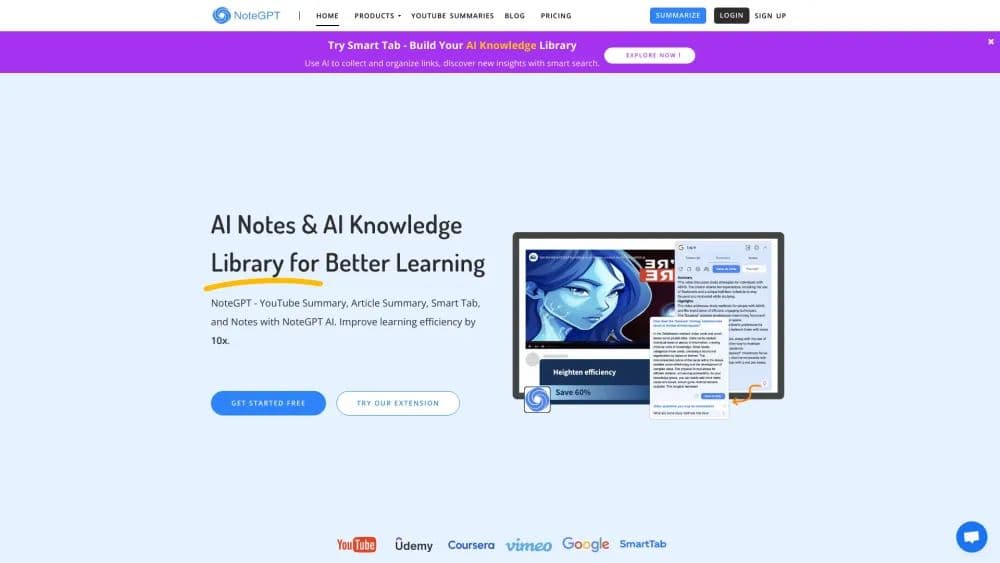
What is NoteGPT?
AI Summary for Long Videos, Articles and Text
Q&A and Chatting with AI Assistant
YouTube Video Timestamped Transcript
Note-taking with Automated Snapping
Notes Managing with Folders and Sharing
How to use NoteGPT?
Log in with your Google account or download the official extension. Summarize content, take notes, and save them. Organize notes and collaborate with others.
Core Functions of NoteGPT
Summarize long videos, articles, and text with AI
Q&A and chat with AI assistant
Generate timestamped text for YouTube videos
Automatically capture notes
Manage notes with folders and sharing features
Usage Scenarios of NoteGPT
- Instantly summarize lengthy videos, articles, and texts
- Combine AI Q&A and AI explanations to generate YouTube summaries
- Easily navigate videos and track timestamps with one click
- Capture key information while watching videos
- Generate and save AI flashcards
- Manage notes with folders and tags
- Share notes with friends
Common Questions about NoteGPT
What is NoteGPT?
How should I use NoteGPT?
Can I view public learning notes on NoteGPT?
How much does NoteGPT subscription cost?
How do I cancel my NoteGPT subscription?
What is NoteGPT's goal?



















