




Product Information
What is Numerous.ai?
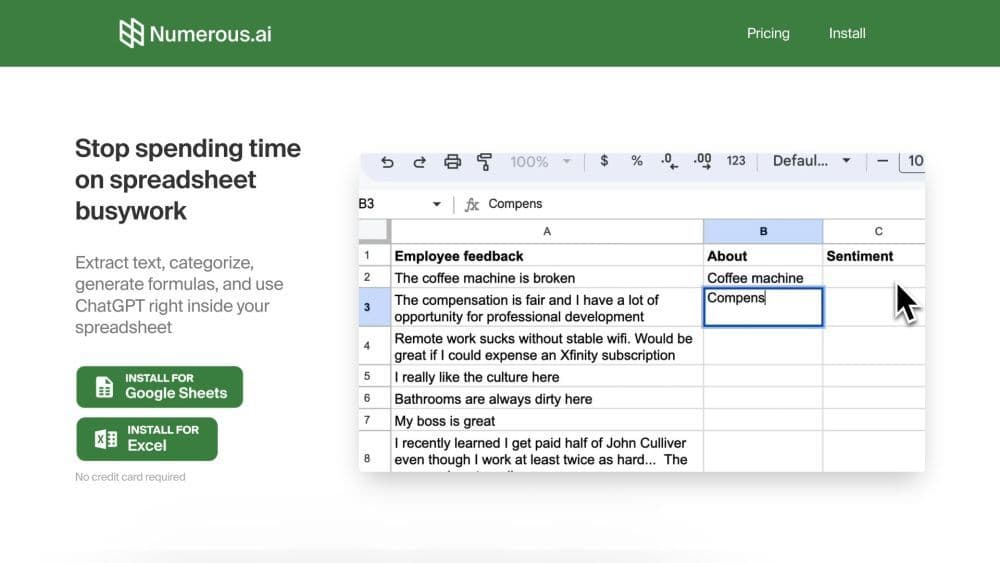
Numerous.ai is an AI-powered spreadsheet add-on that brings ChatGPT into Google Sheets and Excel. It enables users to extract text, categorize data, generate formulas, and utilize ChatGPT directly within their spreadsheets.
How to use Numerous.ai?
To use Numerous.ai, install the add-on for Google Sheets or the plugin for Microsoft Excel. Once installed, open your spreadsheet and access Numerous.ai via 'Extensions' > 'Numerous.ai' > 'Open Sidebar.' You can then use functions like =AI() to activate ChatGPT, =INFER() to train AI for repetitive tasks, =WRITE() for ChatGPT-generated text, create plain-English formulas, and get explanations for complex formulas.
Core Functions of Numerous.ai
Excel integration, Google Sheets integration, AI-driven
Numerous.ai's core features include:
1. ChatGPT Integration: Activate ChatGPT using the =AI() function to perform various tasks in spreadsheets.
2. Teach AI to perform repetitive tasks: Use the =INFER() function to teach Numerous.ai any repetitive task by providing examples.
3. Text generation: Use the =WRITE() function to have ChatGPT write text for you, such as marketing copy, SEO descriptions, and customer responses.
4. Formula generation: Describe the desired formula in plain English, and Numerous.ai will generate it for you, even complex functions like VLOOKUP, QUERY, and REGEX.
5. Formula explanation: If you receive a spreadsheet with complex formulas, Numerous.ai can explain each formula's function in plain English.
Usage Scenarios of Numerous.ai
No usage scenarios available, please contact customer service for details
Common Questions about Numerous.ai
Is Numerous.ai compatible with mobile devices?
How do I access Numerous.ai in Google Sheets or Microsoft Excel?
Can I use Numerous.ai to automate repetitive tasks in spreadsheets?
Can Numerous.ai explain complex formulas to me?
If I need more tokens or features, are there custom plans available?



















