




Product Information
What is OmniDock?
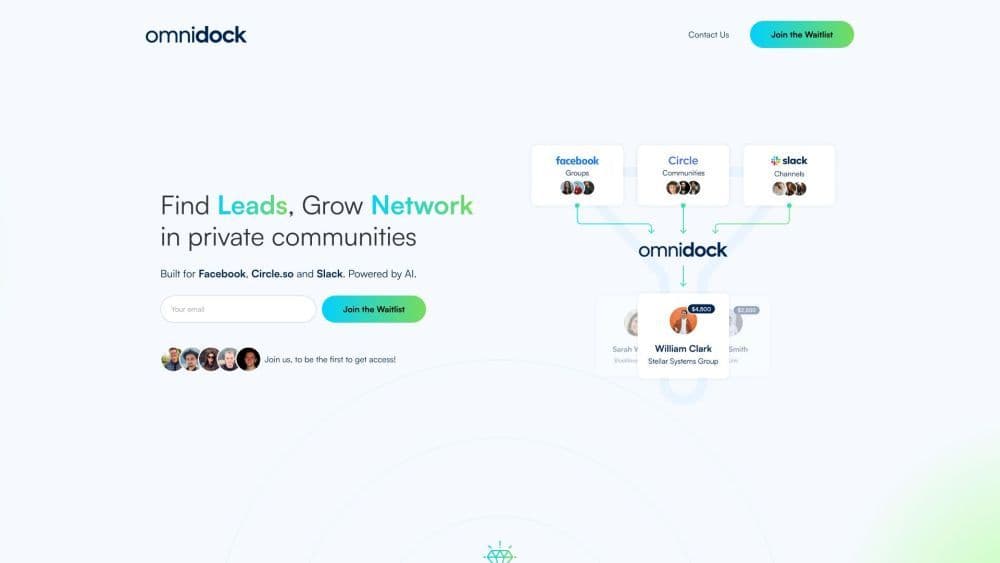
Finding potential clients, expanding networks within private communities
How to use OmniDock?
1. Connect your Facebook, Circle.so, and Slack communities. 2. View and filter posts on a single dashboard. 3. Easily comment on others' posts. 4. Automate and send DMs to promising leads. 5. Get alerts for new posts using keywords and contact lists. 6. Schedule posts with one click. 7. Add post variations for different platforms. 8. Grant team access permissions.
Core Functions of OmniDock
1. Monitor communities and engage with potential customers;
2. Schedule posts to multiple groups;
3. Track historical post performance;
4. Grant team members access permissions.
Usage Scenarios of OmniDock
- 1. Generate leads in private communities; 2. Expand networks and engagement; 3. Automate the lead generation process.
Common Questions about OmniDock
Which platforms does OmniDock support?
What are the benefits of using OmniDock?
Is there a free trial version available?
Are there any discount offers?
Where is OmniDock headquartered?



















