




Product Information
What is Podnotes?
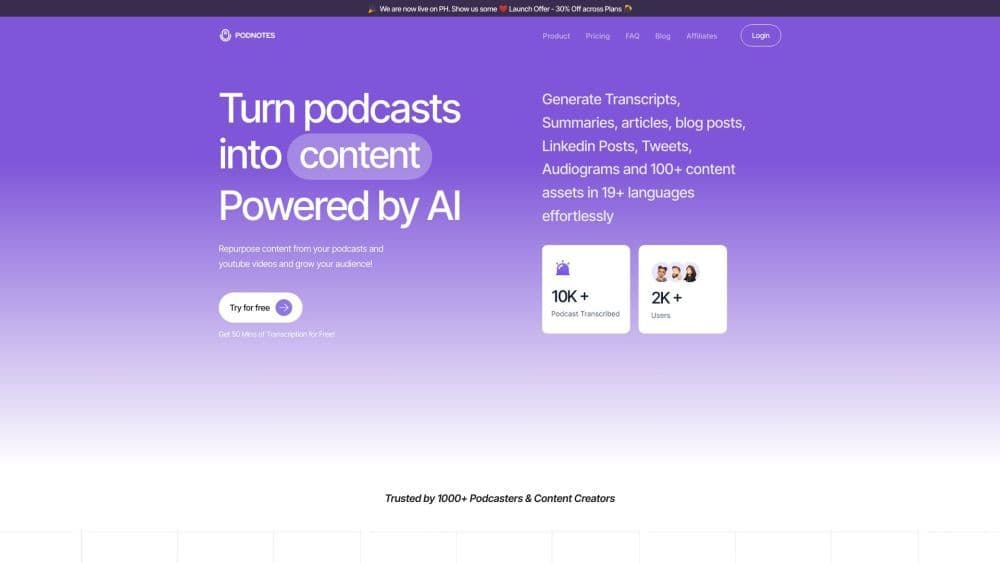
Transcribe, summarize, and transform podcasts and videos into high-quality social media content, blogs, newsletters, and viral audiogram clips, powered by cutting-edge AI.
How to use Podnotes?
Step 1: Import podcasts via upload, RSS, YouTube link, or text. Step 2: Set output language/style for transcription/summarization in 19+ languages. Step 3: Use AI for show notes, titles, chapters, social posts, blogs, newsletters, and waveform images.
Core Functions of Podnotes
Transcription for podcasts, audio files, and videos
Summaries for podcasts and YouTube videos
AI-generated show notes, titles, notes, chapters, social media posts, blog articles, newsletters, and audiograms
Custom podcast and YouTube video summaries
Well-crafted show notes to boost SEO impact
Generate titles, headlines, descriptions, and chapters
Create high-quality content for social media channels
Data-driven insights to stay ahead of competitors
Magic chat feature for contextual search and Q&A
Create compelling social media updates, audiograms, images, videos, and infographics
Usage Scenarios of Podnotes
- Create podcasts and YouTube content for social media
- Grow your audience by creating high-quality content
- Enhance SEO impact with show notes
- Engage readers with informative and resonant blog content
- Boost social media presence with compelling updates and audiograms
Common Questions about Podnotes
How can I contact support?
What languages does Podnotes support?
Can I generate unlimited content?
Is there a free plan?
Can I get a refund?
Can Podnotes transcribe YouTube videos directly?
What file types and sizes does Podnotes support?
What are the audio length limits on the Podnotes app?
Does Podnotes support RSS feeds?



















