



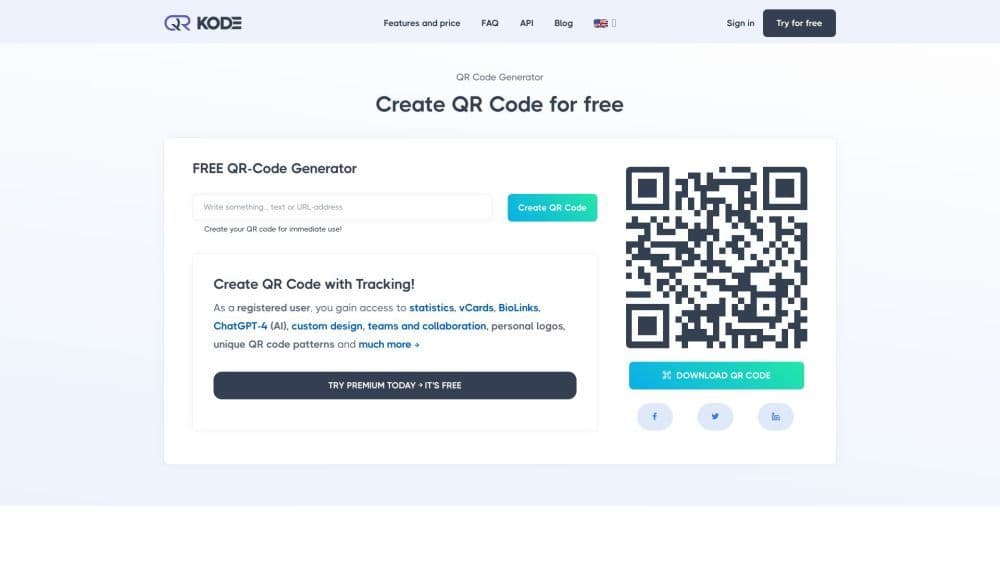

Product Information
What is QR-Kode.no?
Create professional and stunning dynamic QR codes
How to use QR-Kode.no?
Create QR codes in four simple steps: choose a type, fill in fields, design and customize, then print or download.
Core Functions of QR-Kode.no
Advanced Analytics
Digital Business Cards
BioLinks
AI Integration
Custom designs
Team Features
Personal Logo
Unique Patterns
Usage Scenarios of QR-Kode.no
- Mobile marketing.
- Digital Marketing
- Event promotion.
- Contact information sharing.
- Payment processes.
- WiFi network access.
Common Questions about QR-Kode.no
What is a QR code?
What is a QR code generator?
How do I scan a QR code?
How do I create a QR code?



















