



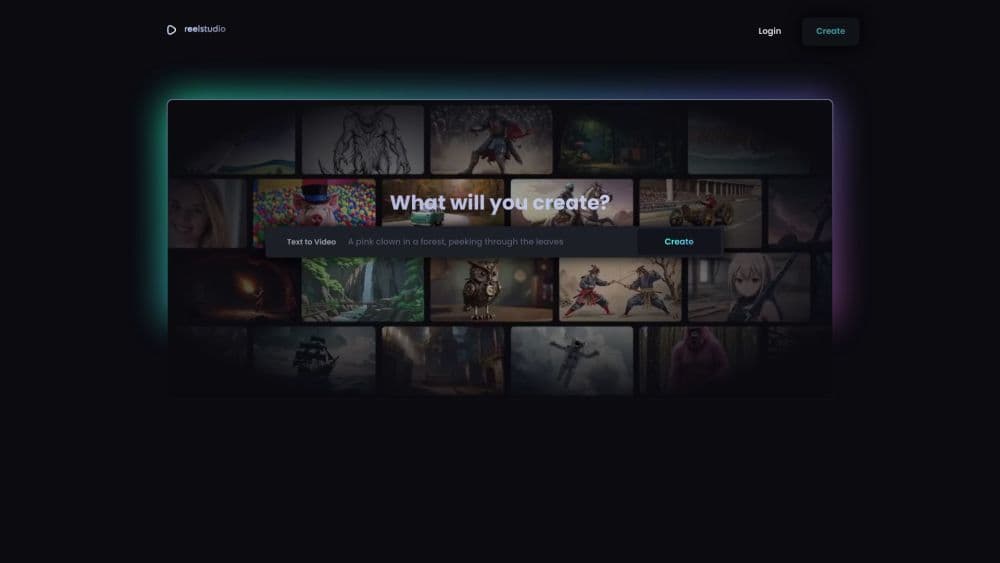

Product Information
What is Reel?
Create videos from text descriptions, images, or hand-drawn sketches!
How to use Reel?
1. Log into Reel Studio. 2. Select the type of content you want to create videos from (text, images, or sketches). 3. Enter your content or upload your images or sketches. 4. Click the 'Create' button to generate the video.
Core Functions of Reel
Text-to-Image Generation
Real-Time Preview
Ad-Free
Text-to-Speech
Voiceover
Music library
Create videos from text
Create videos from images
Create videos from hand-drawn sketches
Usage Scenarios of Reel
- Generate content for social media posts
- Create videos for YouTube channels
Common Questions about Reel
Can I add music to my videos?
Can I customize the visual effects of my videos?
Can I export my videos in different formats?



















