




Product Information
What is SendShort?
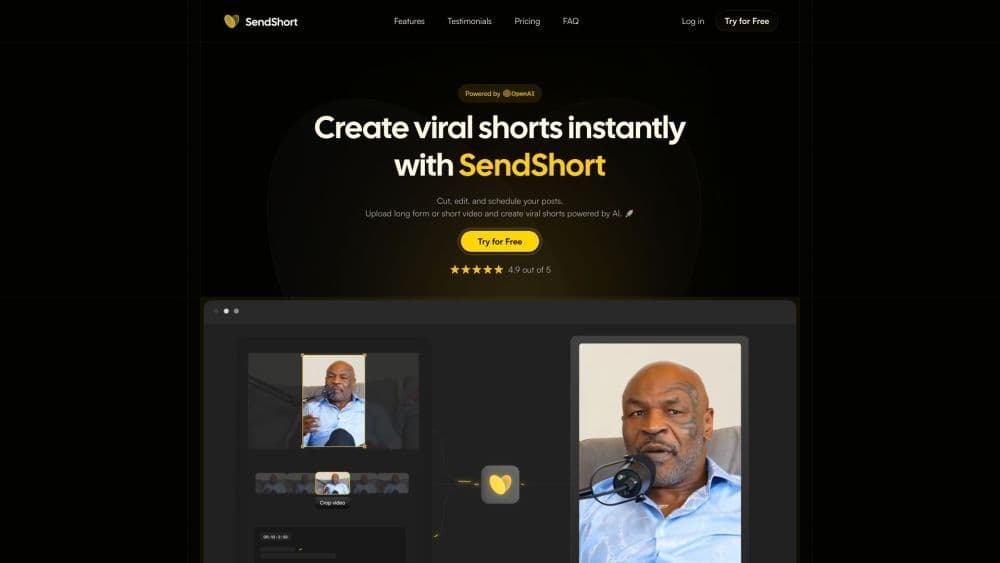
Upload long or short videos and create AI-powered viral clips. 🚀
How to use SendShort?
Step 1: Import short or long videos. Step 2: Edit and crop. Step 3: Schedule and manage social content.
Core Functions of SendShort
Instantly create viral short videos
Clip, edit, and schedule posts
Auto-cropping
Caption templates from viral content creators
Personalized templates
B-Roll
Over 50 languages
Performance analysis
Inbox Management
Usage Scenarios of SendShort
- Content creators
- Video editing
- Marketing agencies
- E-commerce brands
- Podcast
Common Questions about SendShort
What types of videos can I upload?
What languages are supported?
Can I add subtitles?
I'm a beginner with no video editing skills. Can I use SendShort?
How can I ask more questions?



















