




Product Information
What is Social?
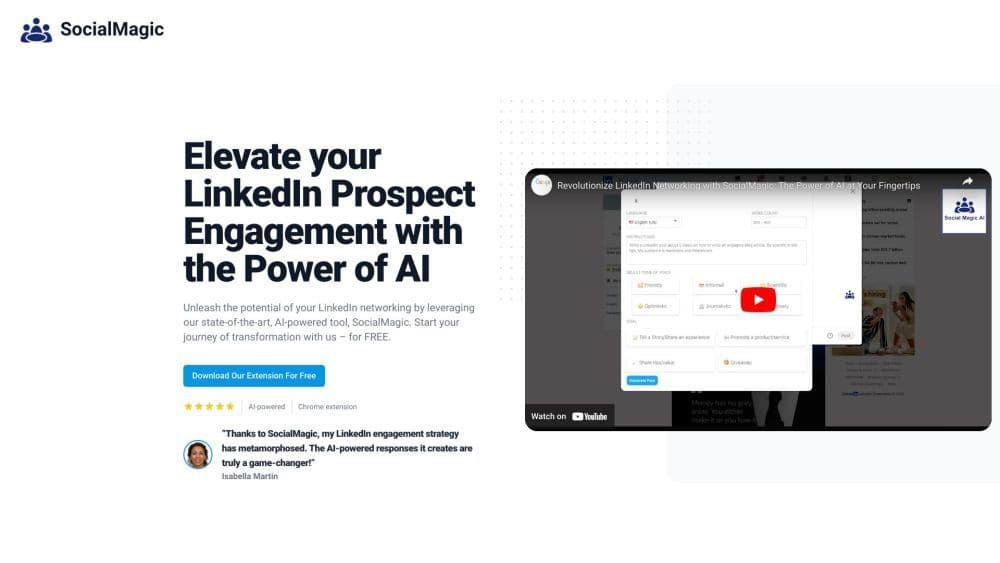
Social Magic is an AI-powered tool designed to enhance your LinkedIn engagement. It offers a Chrome extension that assists marketers, lead generators, and recruiters in crafting valuable comments and generating posts on LinkedIn. By harnessing the power of artificial intelligence, Social Magic delivers irresistible, engaging, and highly relevant human-like comments tailored to your prospects.
How to use Social?
To use Social Magic, follow these steps: 1. Download and install the SocialMagic Chrome extension from the Chrome Web Store. 2. Once installed, open LinkedIn and navigate to the desired post or profile. 3. Click the SocialMagic extension icon in your browser toolbar. 4. Select an AI-generated comment or post from the available options. 5. Customize the comment or post if needed. 6. Click 'Publish' to post it on LinkedIn. With Social Magic, you can easily plan LinkedIn posts, save time, and reach your audience at the right moments.
Core Functions of Social
Irresistible, Engaging, and Human-Like AI-Generated Comments
Easily Plan LinkedIn Posts
Streamline LinkedIn Promotion with Time-Saving Comment Automation
Personalize Interactions with Prospects via Contextual Comments
Supports 9 Different Languages: English, Hindi, Hebrew, Dutch, French, German, Russian, Spanish, and Italian
Usage Scenarios of Social
- Increase LinkedIn engagement and social activity.
- Boost LinkedIn interactions and prospect engagement.
- Actively engage in LinkedIn posts without spending too much time.
Common Questions about Social
What is SocialMagic?
How does SocialMagic work?
Is SocialMagic a free service?
How do I install SocialMagic?
What can I achieve with SocialMagic?
Request new features



















