




Product Information
What is Spark?
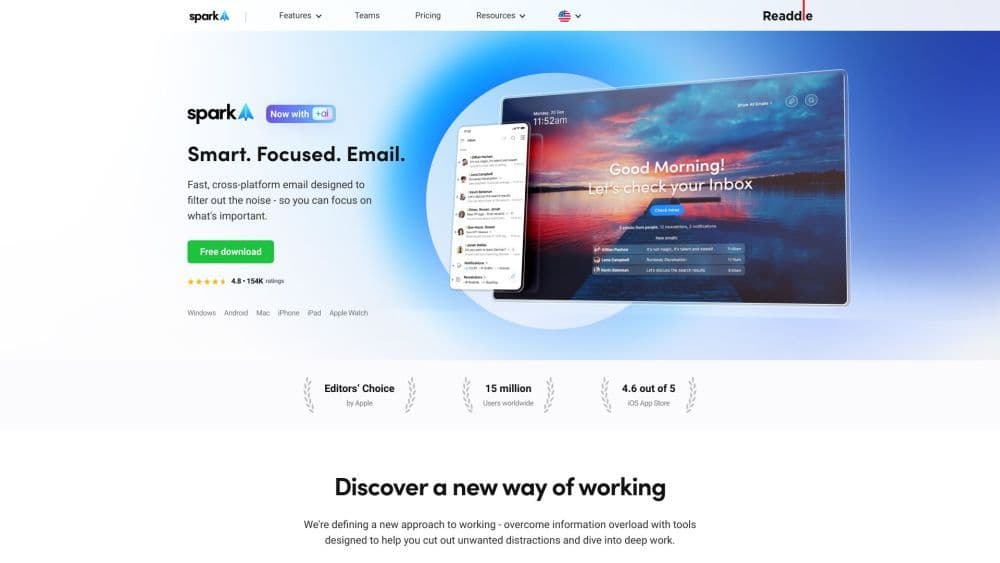
Spark helps you take control of your inbox. Instantly see what's important and quickly organize the rest.
How to use Spark?
Download and install Spark on your device, sync your email accounts across all devices, use the smart inbox and home screen to prioritize and organize emails, leverage features like Gatekeeper, pause emails, and send later, and collaborate with your team using Spark's team management tools.
Core Functions of Spark
Smart inbox
Home Screen
Gatekeeper
Pause Emails
Send Later
Reminder Follow-Up
Email Signature
Newsletters and Notifications
Usage Scenarios of Spark
- Filter out noise
- Prioritize important contacts
- Effectively organize your inbox
- Stay focused and distraction-free
- Collaborate with Teams
- Protect and privatize emails
Common Questions about Spark
How do I download and install Spark?
Can I sync multiple email accounts with Spark?
What features does Spark offer to help stay focused?
How does Spark help with team collaboration?
Is Spark email secure and private?



















