



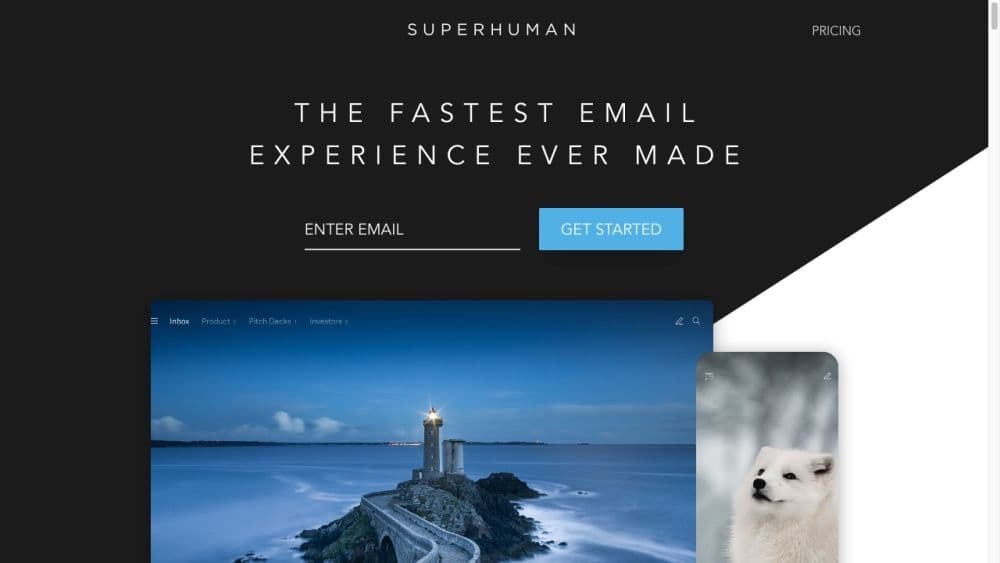

Product Information
What is Superman?
Superman is a high-speed email experience designed for teams and individuals. It offers an AI-powered email platform that helps users work more efficiently, responsively, and stress-free. With innovative features like a split-screen inbox, AI-driven automatic email composition, follow-up reminders, snippets, and read status, Superman streamlines email management, saving users valuable time.
How to use Superman?
Register for a Superhuman account. Connect your existing Gmail or Outlook email account to Superhuman. Explore and customize the Superhuman interface according to your preferences. Use features like the split inbox to prioritize and categorize incoming emails. Quickly compose emails by leveraging Superhuman AI to turn phrases into complete emails. Manage important emails with follow-up reminders to ensure nothing is missed. Save time and increase efficiency by automating frequently used phrases or entire emails with snippets. Reduce email anxiety by deferring emails to a later time, organizing your inbox. Use read receipts to know when recipients have read your emails and follow up accordingly. Communicate effectively with your team by sharing read statuses to avoid email collisions. Enhance communication with contacts via social insights from platforms like LinkedIn, Facebook, and Twitter. Integrate your calendar with Superhuman to seamlessly schedule meetings and create events. Improve typing speed and accuracy with auto-correct features that fix errors as you type.
Core Functions of Superman
Split-screen inbox: Automatically process incoming emails and focus on what needs attention.
Superhuman AI: Use AI to write full emails with just one-line phrases.
Follow-up reminders: Set reminders to ensure important emails aren't overlooked.
Snippets: Automate frequently used phrases or entire emails to save time and boost efficiency.
Snooze emails: Temporarily defer emails that need processing later to organize your inbox.
Read Status: See when recipients read your emails and respond appropriately.
Auto-Correct: Fix errors as you type, improving typing speed and accuracy.
Team Collaboration: Share read statuses with your team for effective communication and collaboration.
Social Insights: Leverage LinkedIn, Facebook, and Twitter for information to enhance communication with contacts.
Calendar Integration: Schedule events and manage calendars within the app.
Usage Scenarios of Superman
- Individuals and professionals receiving high email volumes seeking to simplify email management.
- Teams and organizations aiming to boost productivity, collaboration, and email responsiveness.
- Sales professionals looking to improve communication with leads and close deals more effectively.
- Recruiters and hiring managers needing efficient candidate communication and interview scheduling.
- Business professionals wanting to save time by automating frequently used email phrases or snippets.
Common Questions about Superman
Can I use Superhuman with my Gmail or Outlook email account?
How does Superhuman's AI-driven email composition work?
How does Superhuman help me categorize and process emails?
Can Superhuman help me follow up on emails and stay organized?
Can I automate frequently used email phrases with Superhuman?
Can Superhuman help me manage my calendar while composing emails?



















