




Product Information
What is Templify?
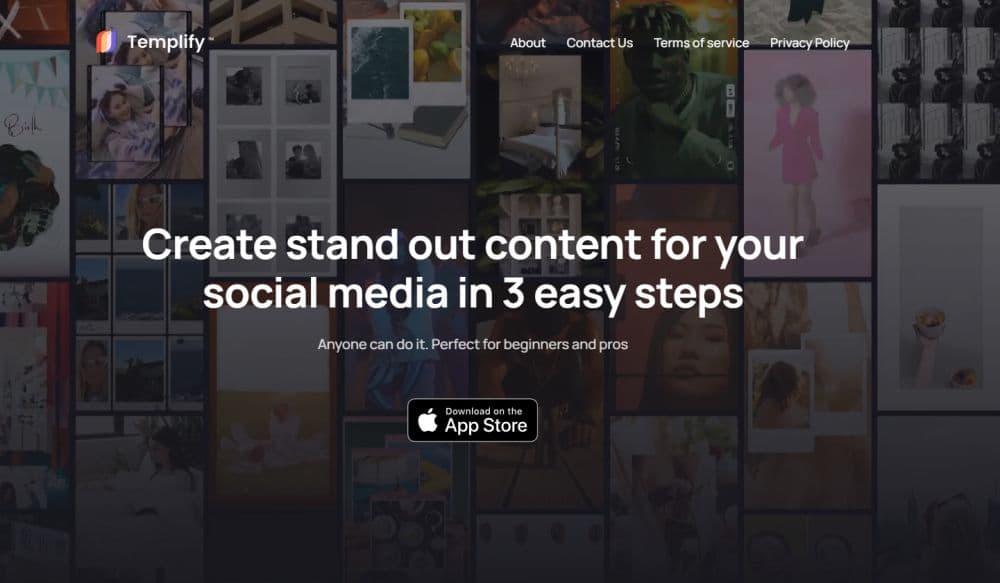
Use the source files on your iPhone to automatically create professional videos in seconds.
How to use Templify?
Select a template, add your files, choose royalty-free music, and export in all formats.
Core Functions of Templify
Auto-Editing
Edit a File
Auto-Sync
Extensive Business Proof Video Templates
Various Filters and Effects
Choose Royalty-Free Music
Easily Share Your Video Creations
Apply Effects and Filters
Use Your Own Fonts and Music
Create Videos Perfectly Synced with Music Beats
Add Videos and Photos
Customize Videos with Filters, Effects, Text, and More
Templify Automatically Syncs Your Edits to the Music Beat
Usage Scenarios of Templify
- Create social media content
- Fast and Detailed Video Editing
- Enhance Video Quality
- Create Professional Videos in Minutes
Common Questions about Templify
What devices does Templify support?
Can I use my own fonts and music in Templify?
Is there a limit to the number of files I can add to my project?
Does Templify offer a free trial?
Can I export my video in different formats?



















