



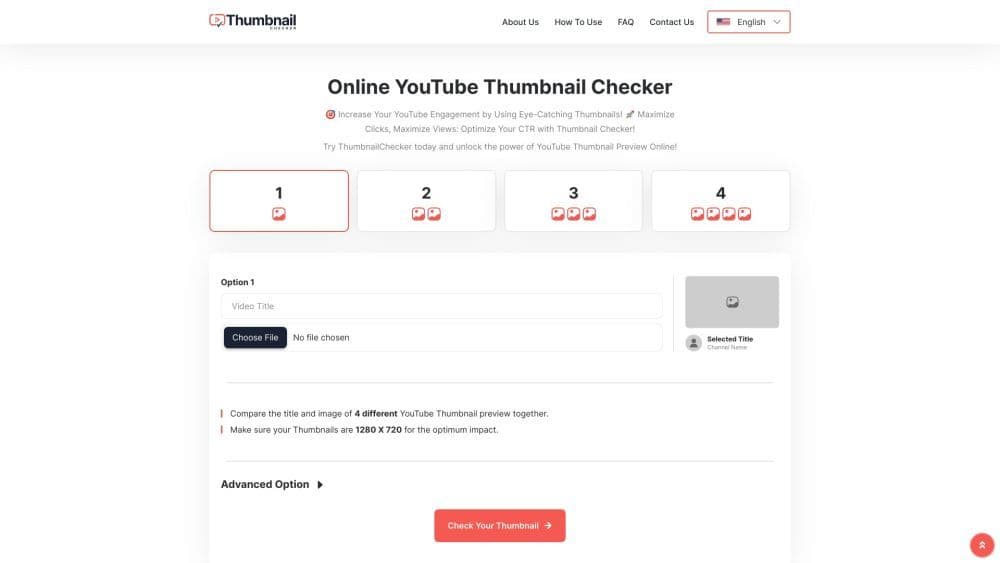

Product Information
What is Thumbnail Checker?
Best tools for checking YouTube thumbnails
How to use Thumbnail Checker?
Step 1: Upload YouTube video thumbnail. Step 2: Optimize title. Step 3: Add multiple thumbnails. Step 4: Adjust advanced options. Step 5: Analyze competitor thumbnails. Step 6: Run A/B tests. Step 7: Enjoy free service.
Core Functions of Thumbnail Checker
Thumbnail Preview and Comparison
Optimize Click-Through Rate (CTR)
Title optimization
Advanced Options for Thumbnail Adjustments
Competitor Analysis
A/B Testing
Free to use
Usage Scenarios of Thumbnail Checker
- YouTube content creators improve video thumbnails and titles
Common Questions about Thumbnail Checker
What is the Thumbnail Inspector Tool?
Why should I use the Thumbnail Inspector Tool?
Is the Thumbnail Inspector Tool free?
Can I analyze multiple thumbnails and titles at the same time?
How does comparing thumbnails with competitors help?



















