



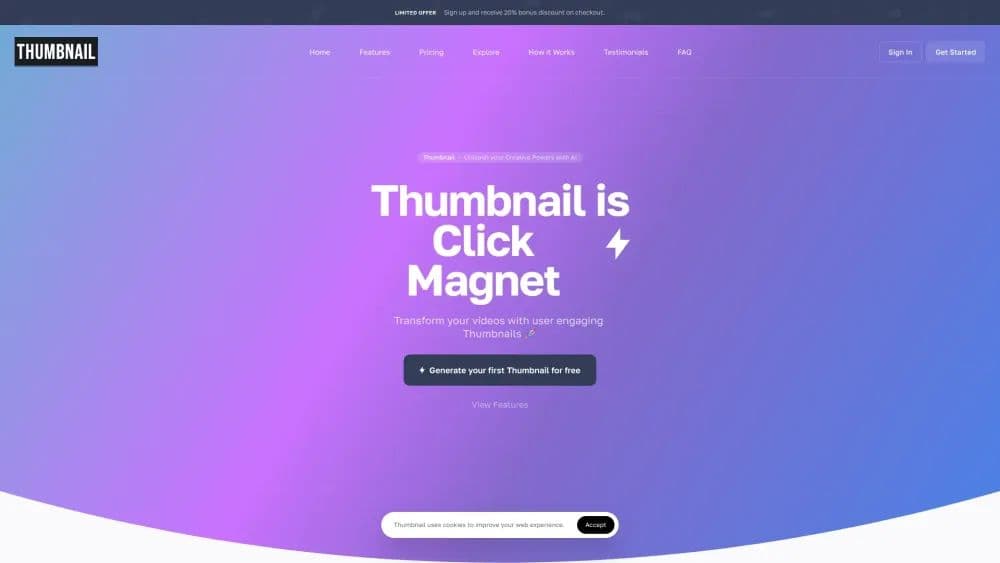

Product Information
What is Thumbnail.BOT?
Generate thumbnails through artificial intelligence
How to use Thumbnail.BOT?
1. Input key details about your content, like title or topic, to guide our AI. 2. The AI generates three thumbnail options. 3. Select one for final tweaks or download in your preferred format.
Core Functions of Thumbnail.BOT
Through AI-Generated Thumbnails
Custom Logo Integration
Watermark-Free Options
Drag-and-Drop Editing Interface
Real-Time Preview
AI-Based Titles, Descriptions, and Tags
Usage Scenarios of Thumbnail.BOT
- Educators and content creators
- Product Designers
- Entrepreneurs and founders
- Marketing agencies
- Developers
Common Questions about Thumbnail.BOT
Is Thumbnail a paid service?
Is Thumbnail easy for beginners?
How does Thumbnail's AI work?
Can I translate scripts into other languages?
Does Thumbnail have a mobile app?
Can I export the thumbnails and artwork I create?
What makes AI Writer an indispensable tool for content creation?
Are there limits to AI Writer?
What is the Thumbnail Editor?
Can I export the thumbnails and AI-generated documents I create?



















