




Product Information
What is Translate.email?
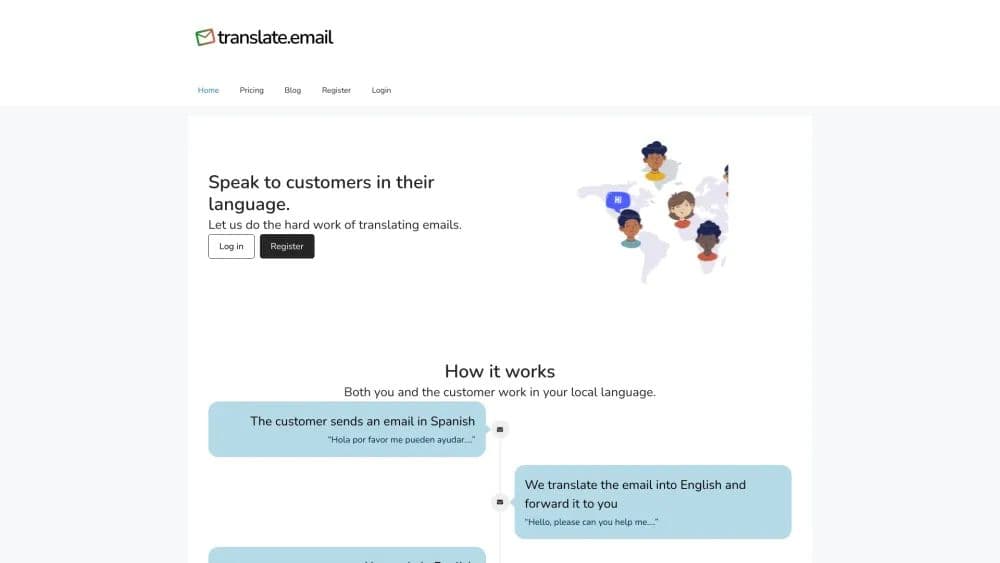
A service that translates emails for you
How to use Translate.email?
1. Create an alias email @translate.email. 2. Set the forwarding target. 3. All emails to the alias get translated and forwarded. 4. Replies are translated back to the original language. 5. Manage aliases and forwarding in our portal.
Core Functions of Translate.email
Effortless email translation
Forward translated emails
Translate email replies
Usage Scenarios of Translate.email
- Manage email support for local applications
- Switch between tabs to translate responses
Common Questions about Translate.email
How does Translate.email work?



















