




Product Information
What is UPDF?
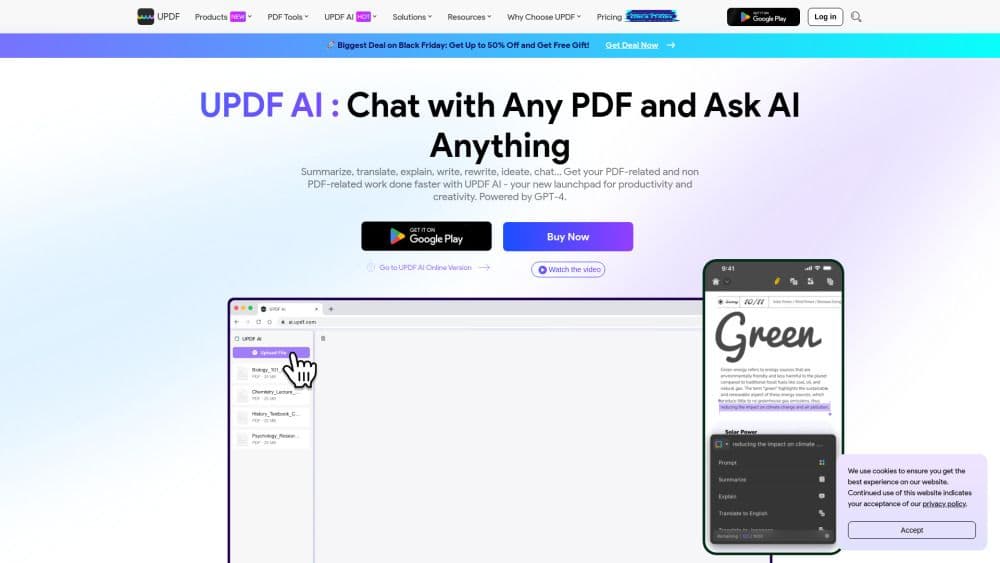
UPDF is a versatile PDF editor equipped with advanced AI capabilities. Beyond its core functions—editing, annotating, converting, and filling & signing PDFs—it also offers innovative AI tools, including chatting with PDFs and images, transforming PDFs into mind maps, brainstorming and content creation, summarizing, translating, and explaining PDFs. UPDF makes PDF management smarter, faster, and more efficient.
How to use UPDF?
To use UPDF's AI, users need to register for a UPDF account and download the app on Windows, Mac, iOS, or Android. Alternatively, they can register directly and access the online AI version without installation.
Core Functions of UPDF
Chat with PDFs: Summarize, Translate, Explain
Chat with Images: Ask Questions, Extract Text, etc.
Convert PDFs to Mind Maps: Simplify Lengthy PDFs into Clear, Visual Mind Maps
Chat with AI: Ask Any Question Beyond Uploaded PDFs or Images
PDF Tools: Access PDF Editing and Annotation via Windows/Mac/iOS/Android Apps
Usage Scenarios of UPDF
- Summarize PDF research papers in seconds
- Convert lengthy PDF books into mind maps for quick reading
- Translate PDF marketing materials into any other language
- Analyze resumes for insights, qualifications, and hiring fit
Common Questions about UPDF
What is UPDF with AI?
Does UPDF offer a free trial for its AI assistant?
Which platforms does the AI assistant support?
How does UPDF AI assistant compare to Adobe Acrobat AI?
How does the AI assistant compare to tools like ChatPDF in terms of interactive chat with PDFs?



















