



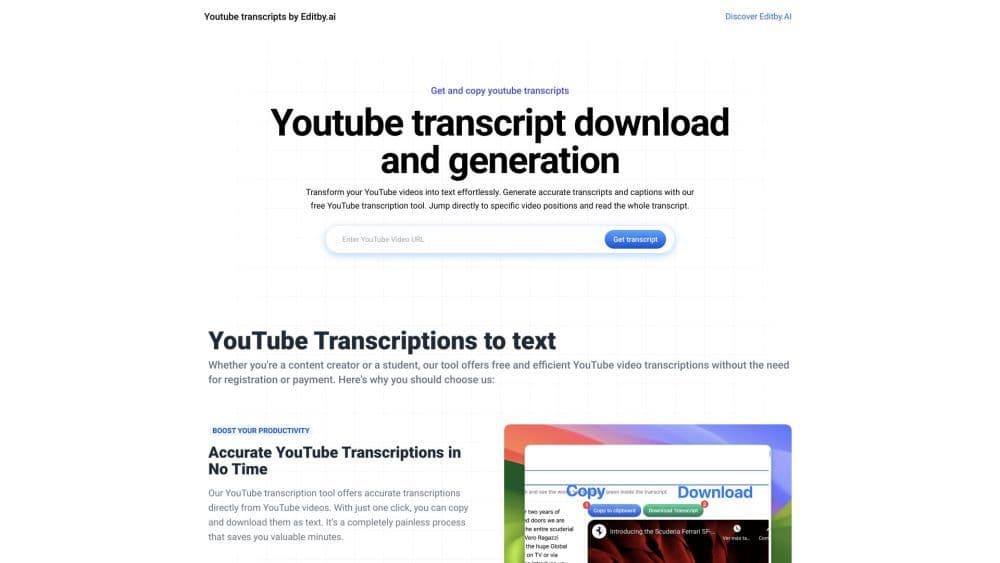

Product Information
What is YouTube Transcription Tool?
The YouTube transcription tool is a free online service that enables users to effortlessly generate accurate transcripts and subtitles for their YouTube videos. It primarily caters to students, researchers, content creators, and SEO professionals.
How to use YouTube Transcription Tool?
To use the YouTube transcript tool, simply paste the YouTube video link into the tool and click the 'Instant Transcript' button. The tool will generate a transcript of the video, which can be downloaded with a click. Users can also search for specific words in the transcript and jump to different parts of the video.
Core Functions of YouTube Transcription Tool
Generate accurate transcripts and captions for YouTube videos
Download transcripts in text format
Search and highlight specific words in transcripts
Jump to different positions in videos from transcripts
No registration or payment required
Usage Scenarios of YouTube Transcription Tool
- Students can use the tool to generate transcripts for their educational videos and lectures.
- Researchers can transcribe YouTube videos for analysis and reference.
- Content creators can easily convert their YouTube videos into text for SEO optimization and accessibility.
- SEO professionals can leverage transcripts to improve video rankings and optimize metadata.
Common Questions about YouTube Transcription Tool
Is the YouTube Transcription Tool free?
Do I need to register an account?
Can I download the transcript?
Can I search for specific words in the transcript?
Can I jump to different parts of the video from the transcript?



















