
Product Information
What is Beam?
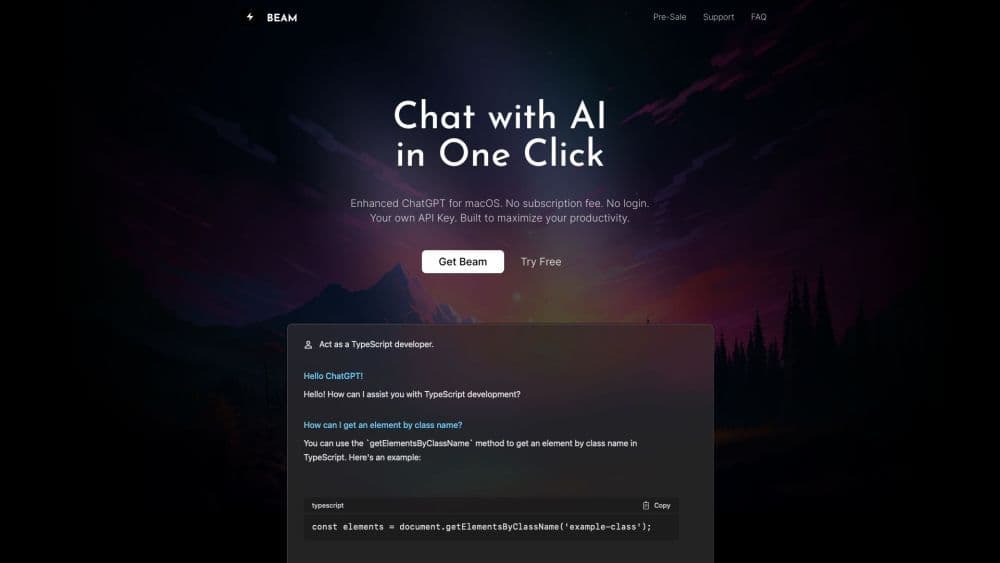
Beam is an efficient macOS chat interface that lets you use OpenAI's ChatGPT directly in any app, website, or document on your Mac. It eliminates the need to switch between apps or copy-paste text, providing a smooth chatting experience within your current window.
How to use Beam?
To use Beam, simply press the CTRL + SPACE shortcut to open the chat panel. Then, you can select a piece of text and start chatting. Once done, you can easily insert the chat content into the application with a single key press. Beam also allows you to create AI profiles, use templates for quick writing, chat with PDF documents, and perform other productivity-enhancing tasks.
Core Functions of Beam
Chat instantly with ChatGPT in any app, website, or document
Open the chat panel in the current window without leaving
Press a key to insert chat conversations into the app
Save provided chat settings as templates for quick writing
Interact with PDF documents using ChatGPT's powerful features
Create AI profiles for personalized responses
Use macros to assign frequently used text to shortcuts to reduce typing
One-time purchase, lifetime use
Free updates and provide a license for another device
Usage Scenarios of Beam
- Chat efficiently and get responses related to any text or content on Mac
- Use template prompts to write blog posts, emails, or messages faster
- Get summaries, ask questions, and find answers in PDF documents
- Train GPT models for precise responses tailored to your specific needs
- Save time on repetitive text or phrases with macros.
Common Questions about Beam
Do I need an OpenAI API key?
Is my API key secure?
Can Beam be used with GPT-4?
Does Beam require any special system permissions?
How about security? Do you store my data?
Do you offer refunds?
Is Beam built using Electron?