
Product Information
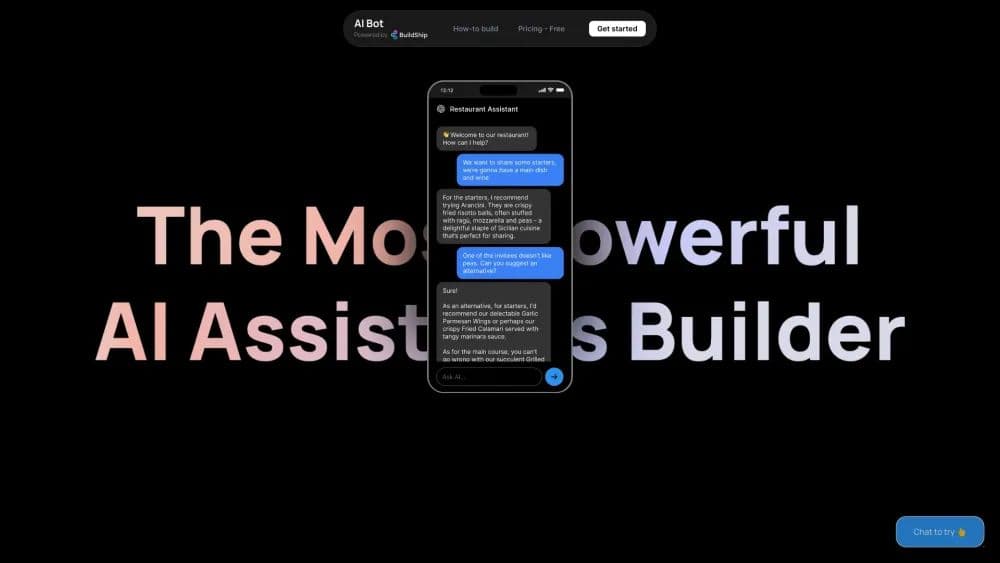
What is BuildShip?
Build custom AI assistants visually with no code.
How to use BuildShip?
Start by cloning a template from the library, add your API key, integrate tools and databases, connect to an API or Chatbot, and go live by embedding the widget in HTML.
Core Functions of BuildShip
Connect tools and databases
Generate action nodes using AI
No-code function calls
Add plugin chat widgets to any website
Create various types of bots
Usage Scenarios of BuildShip
- City Advisor - Ask for plans in a specific city
- Chat with Assistant - Connect your OpenAI assistant to BuildShip
- Assistant with Document Retrieval - Access files you uploaded in the Assistant Playground
- Chat with GSheets - Access Google Sheets to generate responses
- Data Analyst - Hire a data analyst for research
- Chat with Your Database - Recommend dishes to customers
- Quiz Master - Chat with a history tutor and generate quizzes
- Website Q&A - Scrape websites and answer questions
- Email Assistant - Access contacts and send emails
Common Questions about BuildShip
How do I get started with BuildShip?