
Product Information
What is ChatGPT?
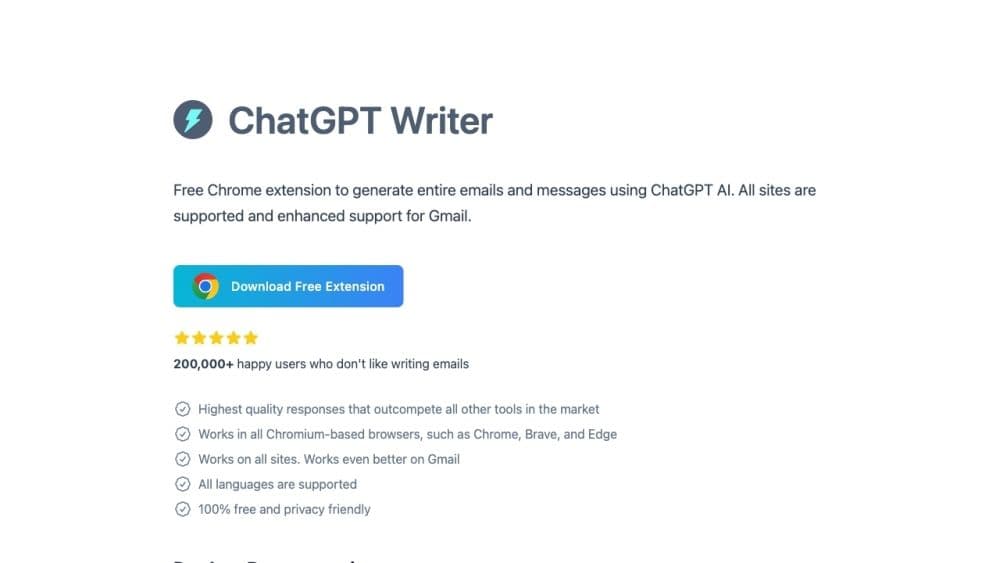
ChatGPT Writer is an AI-powered tool designed to assist users in effortlessly composing emails, messages, and other text-based content. It aids in correcting grammatical errors, paraphrasing text, adjusting writing tone, summarizing content, and performing a variety of other writing tasks using ChatGPT AI.
How to use ChatGPT?
To use ChatGPT Writer, select text on any website to quickly launch the tool or use the extension icon in the browser toolbar. You can also set up shortcuts for easy access or, if on Gmail, use the ChatGPT Writer icon in the reply toolbar. Once launched, input commands in the command field to generate responses. Commands can be any writing-related guidance, such as composing emails, fixing grammar, changing tone, or summarizing text. ChatGPT Writer supports multiple languages and works on all Chromium-based browsers.
Core Functions of ChatGPT
Write emails and messages
Fix grammar errors
Rewrite text
Change writing tone
Summarize text
Support for All Languages
Works on all websites
Compatible with Chrome, Brave, and Edge browsers
Usage Scenarios of ChatGPT
- Generating Replies to Emails or Messages
- Writing Emails About Career Opportunities
- Negotiating Salaries in Writing
- Changing the Tone of Text
- Keeping Responses Short
- Fixing Grammar and Spelling Errors
- Rephrasing Text in a Professional Tone
- Summarizing Lengthy Text
- Translating Text into Different Languages
- Asking Questions and Receiving Detailed Answers
Common Questions about ChatGPT
Is ChatGPT Writer free to use?
Which websites does ChatGPT Writer support?
What data is shared with the AI model?
Which languages does ChatGPT Writer support?
How do I use ChatGPT Writer on Brave browser?
Is user data stored on ChatGPT Writer servers?