
Product Information
What is DashAI?
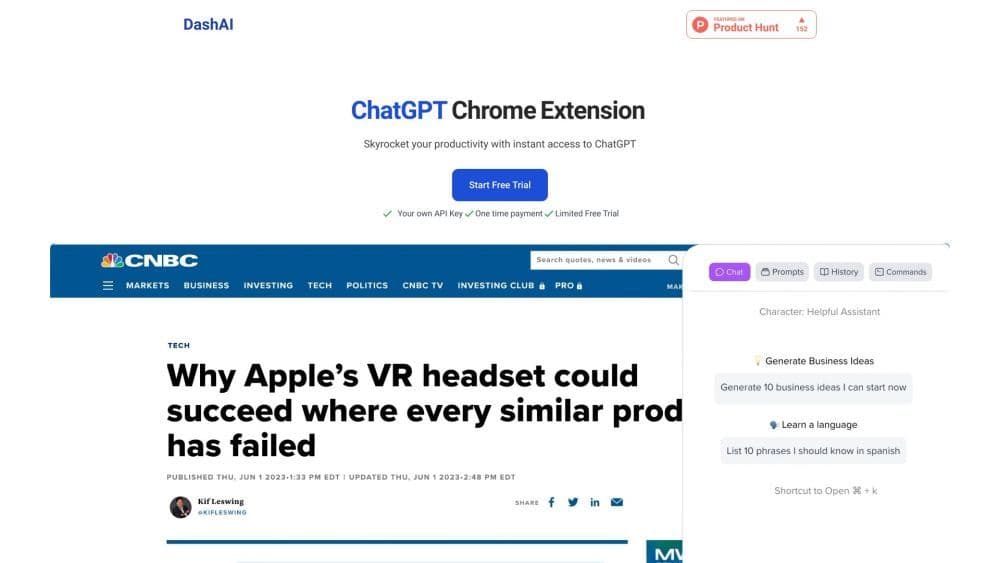
DashAI is a Chrome extension that provides instant access to ChatGPT on every webpage. It enables users to interact with an AI chatbot, summarize web pages, execute AI commands, transcribe audio, and generate AI-produced content within text boxes.
How to use DashAI?
To use DashAI, first install the Chrome extension. Then, obtain your OpenAI API key and license key. After that, you can start using the extension by opening the sidebar chat window on any webpage with the shortcut ⌘ + k. You can also use shortcuts to summarize webpages, highlight and execute AI commands, and transcribe audio. Additionally, you can access a prompt library containing over 100 prompts for creative interactions with ChatGPT.
Core Functions of DashAI
Instant access to ChatGPT on every webpage
Sidebar chat window for easy conversations
Time-saving webpage summaries
AI quick actions for executing commands
Audio transcription from webpages
AI text expander for content generation
Chat history for easy reference
Large prompt library for creative interactions
Convenient shortcuts and configurations
Usage Scenarios of DashAI
- Increase Productivity
- Web Summary
- AI-powered
- Rapid Content Generation
Common Questions about DashAI
0
1
2
3
4
5
6
7