
Product Information
What is Amarkdown?
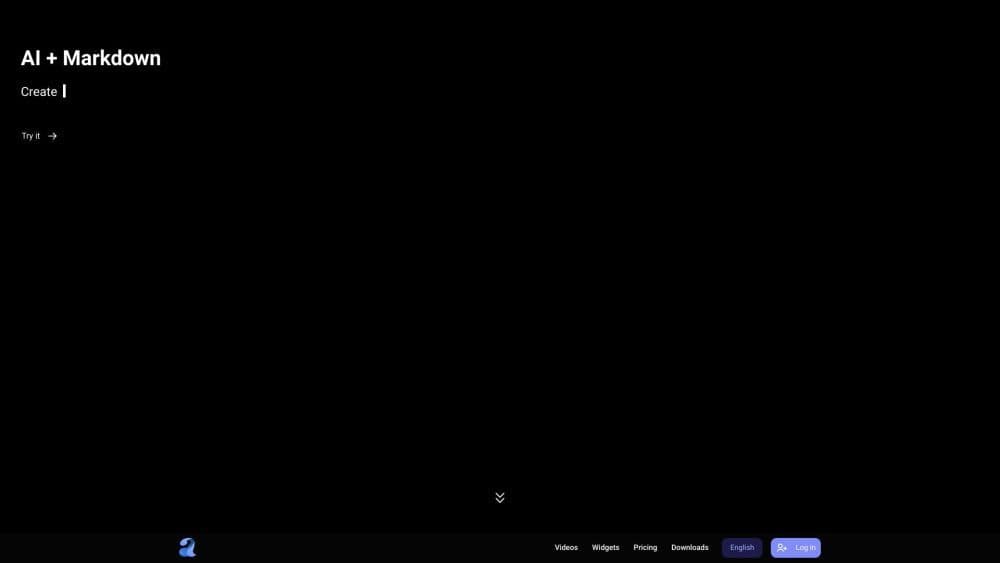
Amarkdown is an AI-powered markdown editor that enables users to create and edit markdown documents with advanced artificial intelligence capabilities.
How to use Amarkdown?
To use Amarkdown, simply navigate to the website and start typing in the editor. The editor provides a user-friendly interface similar to popular code editors like Visual Studio Code (VSCode). Users can format their markdown text using the provided toolbar, adding headings, lists, links, images, etc. Amarkdown's AI features can automatically suggest markdown tags, detect errors, and enhance the overall writing experience.
Core Functions of Amarkdown
Advanced AI features with automatic tag suggestions and error detection
User-friendly interface similar to Visual Studio Code (VSCode)
Ability to format markdown text, add headings, lists, links, and images
Real-time collaboration and document sharing
Version control and history tracking
Automatic saving of documents
Option to export to various file formats
Usage Scenarios of Amarkdown
- Write and edit Markdown documents.
- Create technical documentation.
- Collaborate on Markdown files with team members.
- Create personal notes or journals in Markdown format.
Common Questions about Amarkdown
Is Amarkdown compatible with all markdown syntax?
Can I collaborate with others in real-time using Amarkdown?
Does Amarkdown support exporting markdown files to different formats?
What happens if I lose internet connection while using Amarkdown?
Can I use Amarkdown without creating an account?