
Product Information
What is CodeStory?
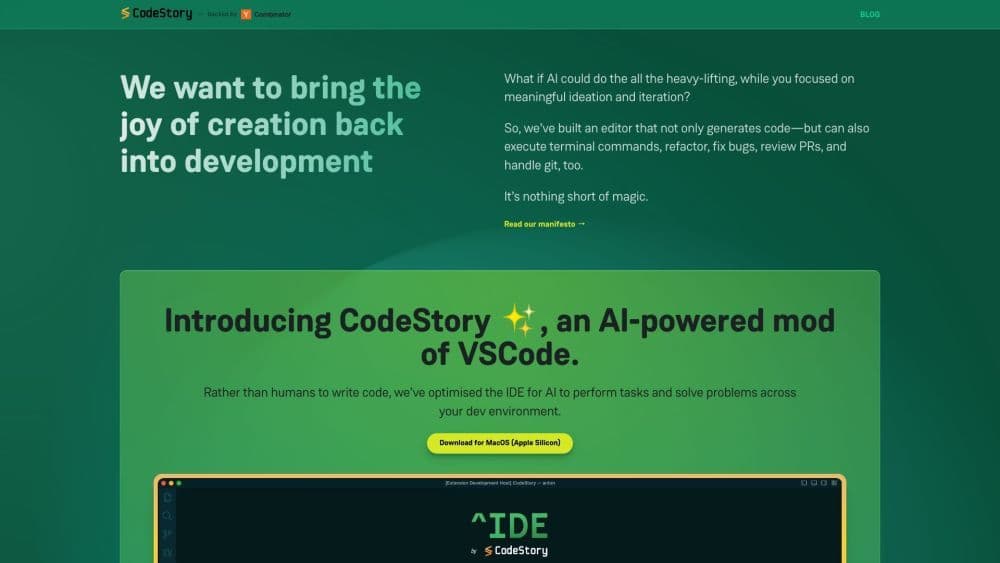
CodeStory is an AI-powered editor designed to bring developers the joy of coding by minimizing tedious tasks, allowing them to focus on building and releasing. It can generate code, execute terminal commands, refactor code, fix bugs, review PRs, and handle git operations.
How to use CodeStory?
Using CodeStory is very simple—just download the editor for MacOS (Apple Silicon) and install it on your machine. Once installed, you can use natural language commands to instruct the AI to perform tasks and solve problems in your development environment. You can also utilize features such as implementing interfaces, refactoring code, fixing race conditions, and managing git diffs. CodeStory supports various languages and stays synchronized with VSCode versions.
Core Functions of CodeStory
AI-powered code generation
Execute terminal commands
Code refactoring
Bug fixes
PR reviews
Git operations
Supports VSCode extensions, shortcuts, and customization
Provides contextual code explanations
Automatically generates PR overviews
Intuitive search
Interactive merge and refactoring management
Support for Multiple Languages
Usage Scenarios of CodeStory
- Boost developer productivity
- Simplify code refactoring
- Enhance code quality via error fixes and PR reviews
- Streamline git workflows
- Facilitate collaboration among team members
Common Questions about CodeStory
What is CodeStory?
How to use CodeStory?
What are the core features of CodeStory?
What is CodeStory used for?