
Product Information
What is Cursor?
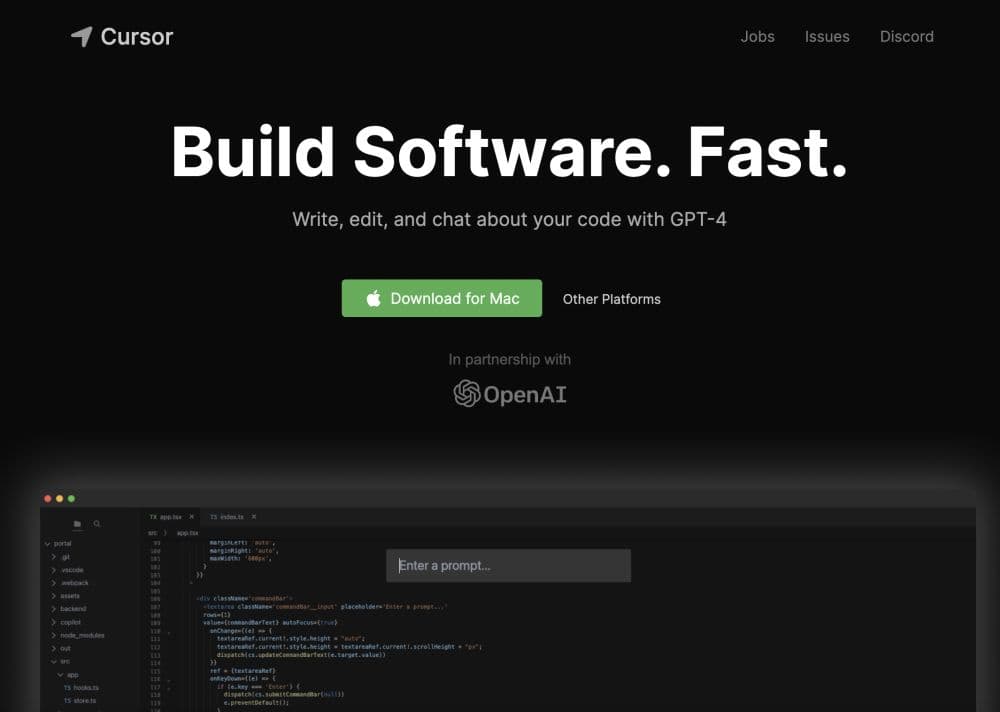
Cursor is an AI-powered code editor designed for pair programming. It's the integrated development environment of the future, leveraging AI to help developers build software faster.
How to use Cursor?
To use Cursor, download the editor to your Mac and install it. After installation, migrate all your favorite VSCode extensions with one click. Cursor offers features like chatting with projects, Q&A for codebases, browsing docs, generating code, fixing bugs, and local mode to keep code secure.
Core Functions of Cursor
Pair programming with AI
Chat with projects
Answer questions about codebases
Browse documentation
Generate Code
Fix bugs
One-click migration
Local mode
Usage Scenarios of Cursor
- Pair programming
- Codebase navigation
- Code Generation
- Bug fixes
Common Questions about Cursor
Can I use the Cursor code editor for free?
Is my code stored on Cursor's servers?
Can Cursor help me generate code from scratch?
Does Cursor support migrating extensions from VSCode?