
Product Information
What is Evebyte Studio?
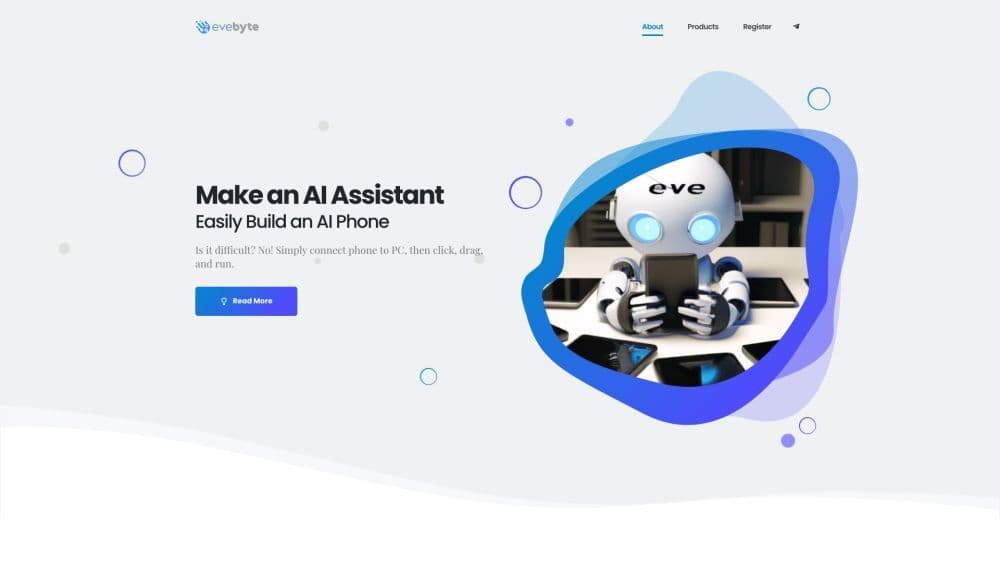
Evebyte Studio is a Windows software designed for effortlessly controlling physical Android mobile devices through a graphical interface—no coding required. It enables users to create and manage single or multiple tasks using their phones.
How to use Evebyte Studio?
1. Connect your Android device to a computer.
2. Launch Evebyte Studio.
3. Use the intuitive graphical interface to click, drag, and run tasks on your phone.
4. Easily change task workflows as needed.
Core Functions of Evebyte Studio
Graphical Interface for Controlling Android Mobile Devices
No Coding Required
Ability to Create and Manage Single or Multiple Tasks
Flexible Task Work Changes
Data Security and Privacy Protection
Usage Scenarios of Evebyte Studio
- 1. Remote Phone Management: Easily Control and Manage Multiple Phones from a Computer. 2. Task Automation: Create and Schedule Tasks on Phones to Boost Efficiency. 3. AI Phone Assistant Development: Build AI Assistants Using Connected Phones. 4. Testing and Debugging: Use the Software to Perform Testing and Debugging Tasks on Android Devices.
Common Questions about Evebyte Studio
Can I control multiple Android phones using Evebyte Studio?
Do I need coding knowledge to use Evebyte Studio?
Can I change task assignments on the phones anytime?
Is my data safe when using Evebyte Studio?