
Product Information
What is Gist?
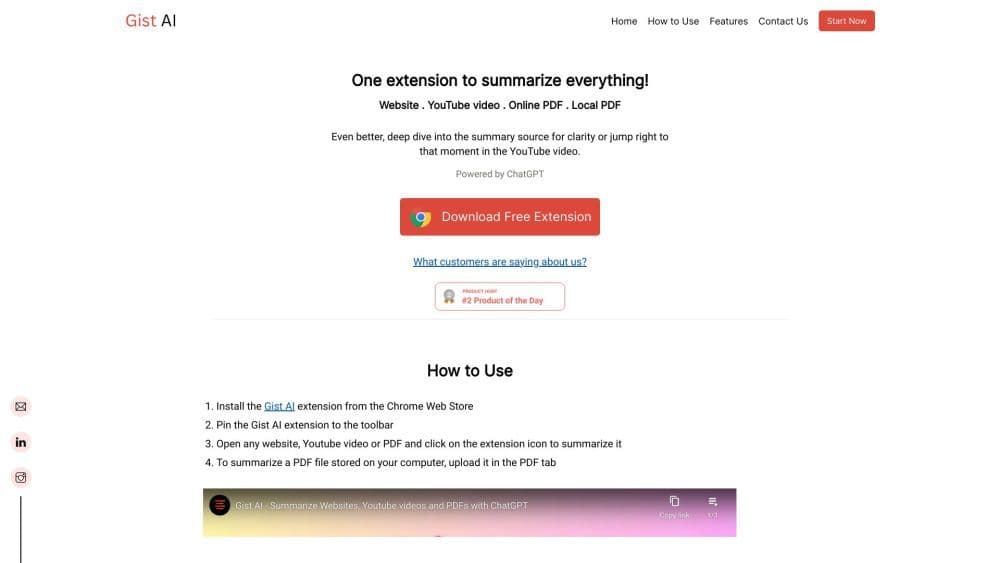
Unlimited free summarization for websites, PDFs, and YouTube videos in 30+ languages—no length restrictions. For a clearer understanding of the summary's origin, you can delve into the source summary or jump directly to key moments in YouTube videos. Save time and boost productivity with Gist AI.
How to use Gist?
Install the Gist AI extension from the Chrome Web Store. Pin the extension to your toolbar. Open any website, YouTube video, or PDF file, then click the extension icon to summarize. To summarize a PDF stored on your computer, upload it in the PDF tab.
Core Functions of Gist
Extract key points from long articles, YouTube videos, or PDFs with one click.
Our unique "Read More" feature allows you to delve deeper into the sources of summaries that interest you most.
Jump to the core segments of YouTube videos.
Summarize any PDF.
Our supported research technology enhances comprehension and focus by breaking down lengthy articles, PDFs, or videos into smaller segments.
Usage Scenarios of Gist
- Save Time
- Better understanding
- Focus on relevant content
- Improve Comprehension
Common Questions about Gist
How is your AI summarizer different from other summarization tools?
How does the AI PDF summarizer work?
How do I use your tool to summarize a website or YouTube video?
Is there a free version of the summarizer available?
Is there a feature to summarize books, research articles, or longer documents?
Can the Chrome extension summarize articles from any website?
Is the summarizer safe and reliable?
Can ChatGPT summarize YouTube videos?
How does the AI-powered PDF summarizer enhance the summarization process?
How does your summarizer ensure the content is plagiarism-free?