
Product Information
What is Local AI Playground?
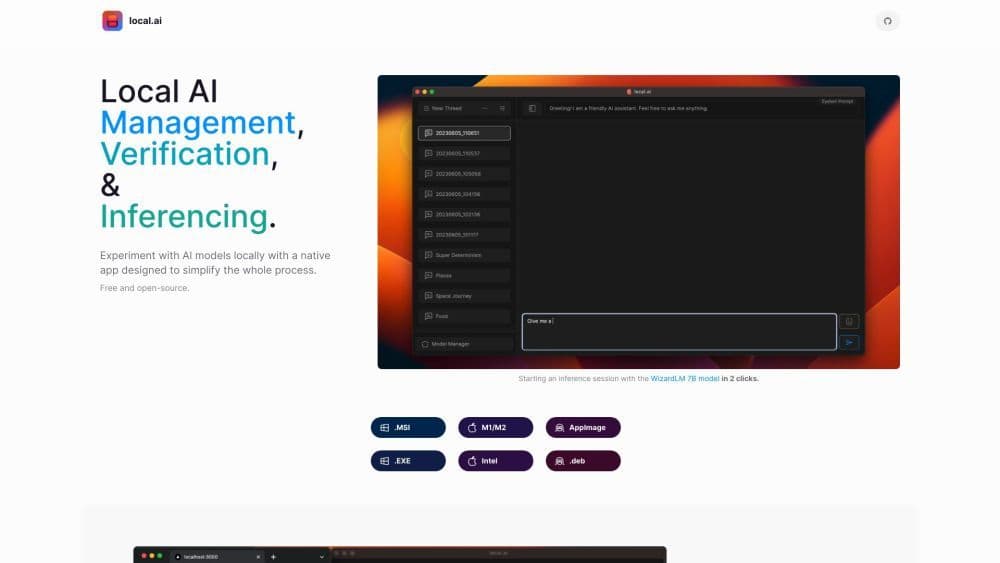
The Local AI Playground is an application designed for experimenting with local AI models, aiming to simplify the experimentation process. It enables you to perform AI tasks offline and privately without the need for a GPU.
How to use Local AI Playground?
To use the local AI playground, simply install the application on your computer. It supports various platforms including Windows, Mac, and Linux. Once installed, you can start an inference session with a provided AI model in just two clicks. You can also manage your AI models, verify their integrity, and launch a local streaming server for AI inference.
Core Functions of Local AI Playground
CPU inference
Adapt to available threads
GGML quantization
Model management
Resumable, concurrent downloader
Summary verification
Streaming server
Fast inference user interface
Write to .mdx
Inference parameters
Usage Scenarios of Local AI Playground
- Experiment with AI Models Offline
- Perform AI Tasks Without a GPU
- Manage and Organize AI Models
- Verify the Integrity of Downloaded Models
- Set Up a Local AI Inference Server
Common Questions about Local AI Playground
What is Local AI Playground?
How do I use Local AI Playground?
What are the core features of Local AI Playground?
What are the use cases for Local AI Playground?