
Product Information
What is LocalizeBot?
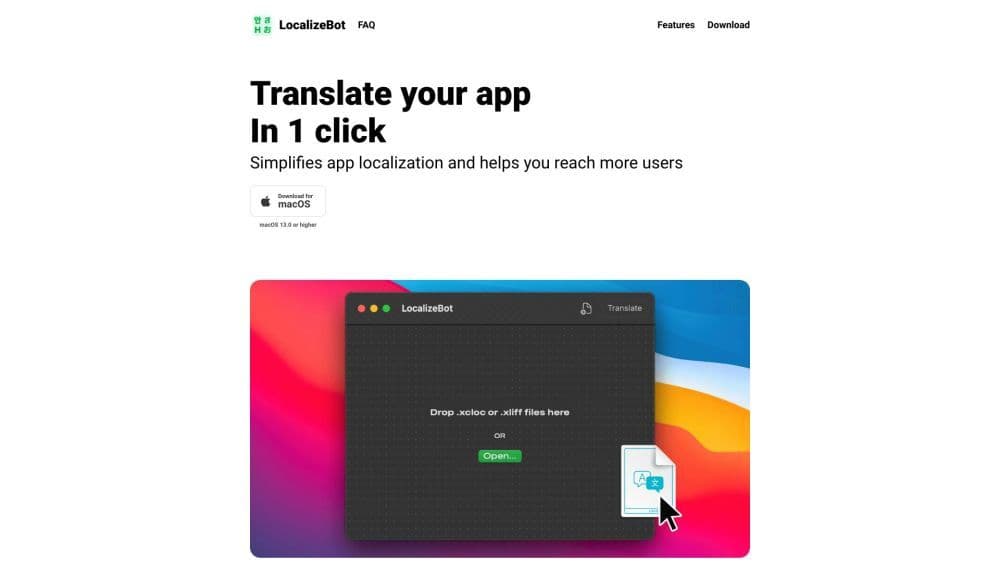
LocalizeBot is a tool designed to simplify app localization and help you reach more users. It effortlessly translates your app into multiple languages and supports various file formats.
How to use LocalizeBot?
To use LocalizeBot, you first need to download and install it on macOS 13.0 or later. Once installed, you can drag and drop .xliff or .xcloc files into LocalizeBot. With just a single click, all files will be translated. If you have a Google Cloud Translation API key, you can integrate it with LocalizeBot. LocalizeBot seamlessly integrates with the standard Xcode workflow, enabling you to translate App Store Connect metadata.
Core Functions of LocalizeBot
Simplify app localization
Support multiple file formats (XLIFF and XCLOC)
Drag-and-drop functionality
One-click translation
Integrate with Google Cloud Translation API
Translate App Store Connect metadata
Export Fastlane-supported translation formats
Use AI to shorten translations exceeding character limits
Usage Scenarios of LocalizeBot
- Translate iOS apps into multiple languages
- Increase global user reach and accessibility
- Optimize app descriptions and keywords for different markets
Common Questions about LocalizeBot
How to translate an iOS app using XCLOC files?
How to get a Google Cloud Translate API key?
What file formats does LocalizeBot support?