
Product Information
What is My Reports?
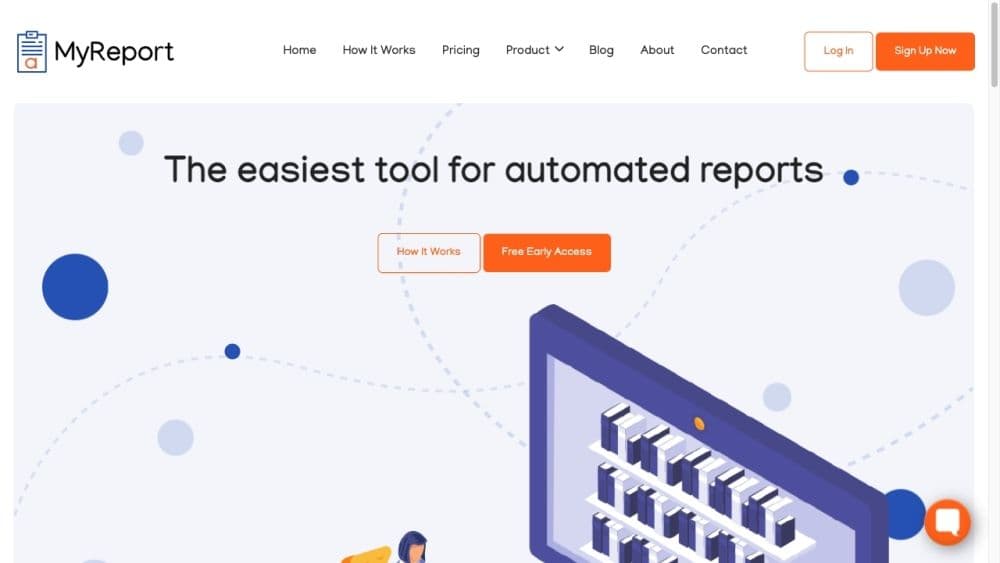
My report is an automated reporting tool that saves you time by automating data collection and citations. Simply describe the topic of the report, review it, and then send it.
How to use My Reports?
To use My Report, follow these steps:
1. Register an account on the My Report website.
2. Enter a free-text description and title for your report.
3. Sit back and let My Report automate data collection and report generation.
4. Review the generated report, which includes images, charts, tables, citations, quotes, and references.
5. Share the report with others via provided links or save it locally for further review and adjustments.
Core Functions of My Reports
My Report offers the following core features:
- Automatic data collection: My Report conducts surveys online and filters valid data to create comprehensive reports.
- Professional results: Generated reports include images, charts, tables, citations, quotes, and references with a polished and professional look.
- Time-saving: My Report saves you time for other important tasks by automating the report generation process.
- Advanced NLP automation: My Report uses advanced natural language processing to continuously improve report quality.
- Private and secure: Your information is not shared with third parties and is used solely for reporting purposes.
- Instant link sharing: Receive a link to easily share generated reports with others.
Usage Scenarios of My Reports
- Create reports on any topic in minutes
- Generate quick starting drafts for new ideas or business challenges
- Save time and make analysis and decision tasks easier
Common Questions about My Reports
What is My Report?
How does My Report work?
What are the core features of My Report?
What are the use cases for My Report?