
Product Information
What is Pickaxe?
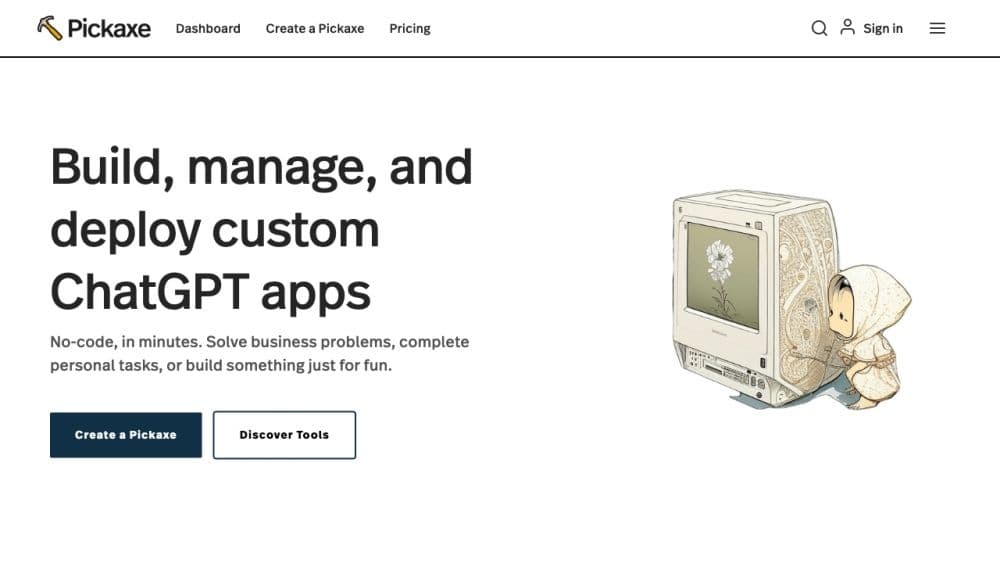
Pickaxe is a no-code platform that enables prompt engineers to build, share, and manage AI applications across an organization. It bridges the gap between generative AI prompts and the people who use them, empowering non-technical users to integrate AI prompts into their websites and internal dashboards.
How to use Pickaxe?
To use Pickaxe, simply create an account and start building AI-based applications using their intuitive prompt builder. You can train the AI with your own documents, data, and guidance to make it work for you. Customize the design of your AI application and embed it directly into your website or internal dashboard. Monitor the application's activity, view responses, provide feedback, and continuously improve as more data is collected.
Core Functions of Pickaxe
Create and embed GPT-4 applications in your website or internal dashboard
Train AI with your own documents, data, and guidelines
Customize the design of your AI application
Monitor app activity, view responses, and provide feedback
Continuously improve AI applications based on collected data
Usage Scenarios of Pickaxe
- Online Course Websites: Creating and Embedding AI Tools to Enhance Learning Experiences
- Author Studios: Generating Creative Prompts and Ideas for Writers
- Online Stores: Using AI Tools to Provide Personalized Recommendations and Product Suggestions
- Dashboards: Embedding AI Applications in Internal Dashboards for Seamless Access and Increased Productivity
- Blogs: Enhancing Blog Content with AI Tools for Writing, Research, and Interaction
- Online Courses: Creating and Embedding AI Applications to Improve Course Content and Interaction
Common Questions about Pickaxe
What are credits?
Can I get more credits?
How do I embed Pickaxe on my website?
Can I monetize my Pickaxe?
Is there an affiliate program?
How can I improve my Pickaxe?
What is the Enterprise Pro plan?