
Product Information
What is Recall?
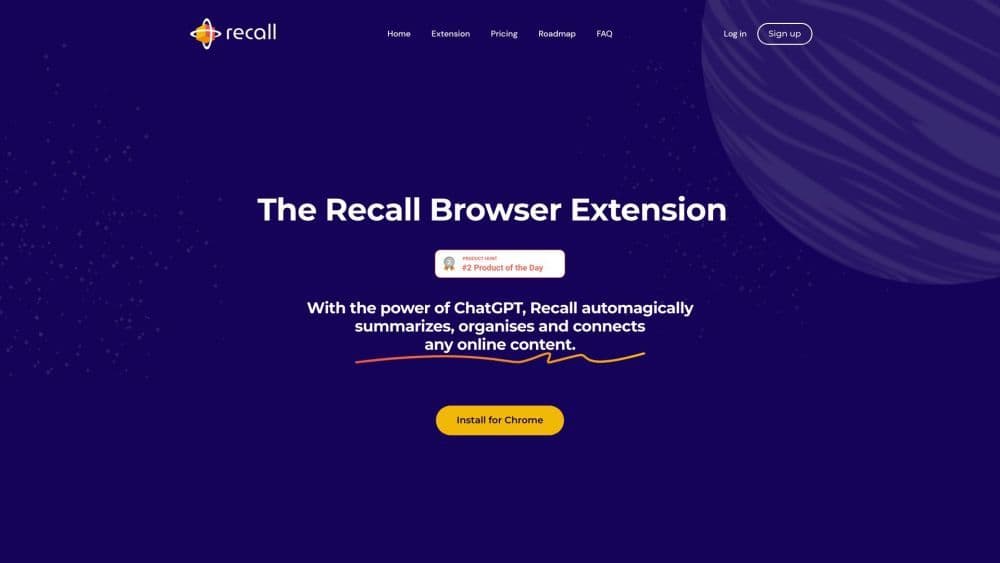
Recall is an AI-powered knowledge base that enables users to summarize, categorize, and comment on online content. It provides a centralized platform for saving and organizing various types of content, including podcasts, YouTube videos, news articles, PDFs, blogs, and more.
How to use Recall?
To use Recall, follow these steps:
1. Install the Recall Chrome extension and pin it.
2. Open any webpage, such as a blog, YouTube video, article, or PDF.
3. Click the Recall extension icon to save a summarized version of the page.
4. Learn saved content through weekly reviews and AI-generated questions.
Core Functions of Recall
Summarize any online content
Use AI for automatic categorization
Automatically connect related content
Spaced Repetition Learning
Export data as Markdown
Offline access to saved content
Usage Scenarios of Recall
- Recall is useful for: - Quickly obtaining key summaries of podcasts, YouTube videos, news articles, PDFs, etc. - Organizing and saving online content in one place. - Efficiently categorizing and finding relevant information. - Enhancing learning through spaced repetition. - Accessing saved content offline.
Common Questions about Recall
What types of online content can Recall summarize and save?
How does Recall automatically categorize my saved content?
How does Recall aid learning through spaced repetition?
Can I access my saved content offline?