
Product Information
What is Tomat?
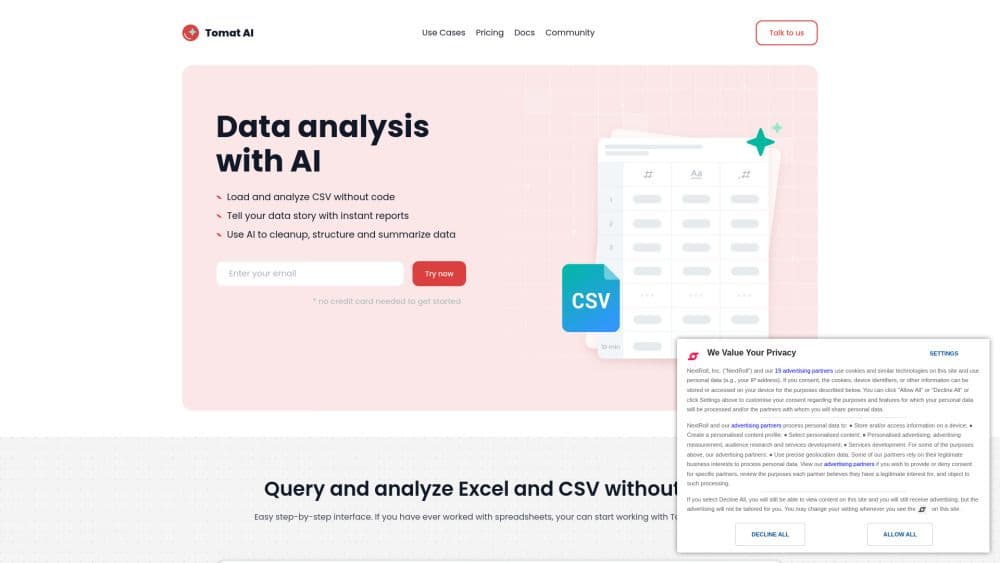
Tomat is a no-code data preparation and analysis tool, capable of seamlessly handling datasets of any size. With just one click, load CSV and Excel files or connect to PostgreSQL or Snowflake databases. Its intuitive step-by-step interface allows you to clean, merge, and transform data effortlessly.
Leverage AI for complex analyses such as sentiment analysis, data extraction, or summarization.
How to use Tomat?
Open files of any size and add visual transformation steps to filter, group, or merge data—access 20+ transformations and 150+ functions. Add columns, use AI to extract, summarize, or clean data. Automate workflows—every step is saved and reusable with one click. Export cleaned data to Excel or CSV, or create dynamic reports with charts and custom text.
Core Functions of Tomat
Load files of any size (CSV, Excel) or connect your database
No-code query and analyze datasets
Use 20+ visualization transforms and 150+ functions
Build reports with powerful charts and custom text
Run data transformations at scale
Request AI for complex analysis, from summaries to sentiment analysis
Create visual workflows for multi-step chain prompts
Automate data workflows
Batch generate or enrich data
Usage Scenarios of Tomat
- Data cleaning and transformation
- Data analysis
- Data automation
- Data reporting
- Sentiment Analysis
- Text summarization
- Data standardization
- Data formatting
- Personalized emails
- Generating product descriptions
- Batch content generation
- Marketing Reports
Common Questions about Tomat
What are the AI use cases in Tomat?
What skills are needed to start using Tomat?
Is Tomat safe to use?
Security and AI
How to use AI?
How to purchase AI credits?
Which platforms do you support?