




Product Information
What is Apply-variables?
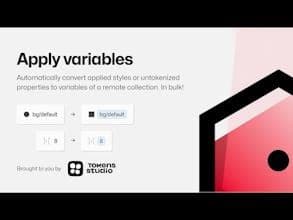
Have you already set up variables and want to apply them to your work? You can swap styles with variables or use Apply Variables to match original numerical values with elements in any file and access your variable collection!
How to use Apply-variables?
Apply Variables is a Figma plugin for batch-applying set variables to designs, quickly transforming elements by replacing styles or matching values.
Core Functions of Apply-variables
Batch apply Figma variables
Replace existing styles with variables
Apply variables matching original values to elements
Usage Scenarios of Apply-variables
- Batch convert existing styles in Figma designs to variables
- Unify styles with variable systems in design files
- Quickly apply corresponding variables based on element original values
Common Questions about Apply-variables
What does Apply Variables do?
How do I use Apply Variables?
What are the core features of Apply Variables?
What are the application scenarios for Apply Variables?
















