


Fansoso
Like.tg
CommunityOnline ServiceOfficial ChannelFraud CheckCurrency Tool
HomeProductsClyr AI Chrome Extension: Automate expense and invoice management.
Clyr - Google Plugin
product
This product service is provided by third-party merchants. Please identify the service quality to avoid being deceived.

Clyr AI Chrome Extension: Automate expense and invoice management.

(3 reviews)
Disclaimer
Applicable Scope
Product Information
User Reviews
Related Products
Disclaimer
This product is listed by LIKETG on behalf of third-party merchants. Products/services/after-sales are all provided by third-party merchants, not official LIKETG products. All activities, benefits, and restrictions are unrelated to LIKETG official. Please identify carefully.

Applicable Scope

Spend and expense management with receipt and invoice capture.

Product Information

What is receipt?

Expense and spending management, with receipt and invoice capture capabilities.

How to use receipt?

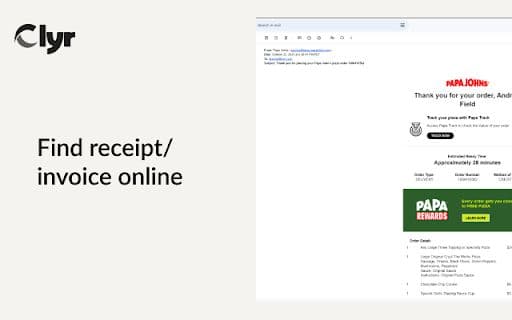
1. Install the extension. 2. Log in or sign up on Clyr. 3. When you receive a receipt/invoice, click the Clyr icon. 4. Capture an image for automatic matching and categorization.

Core Functions of receipt

Capture receipts and invoices
Seamless Integration
Supports various cards
Real-time notifications
Automatic matching and smart categorization

Usage Scenarios of receipt

No usage scenarios available, please contact customer service for details

Common Questions about receipt

No common questions available, please contact customer service for details

User Reviews

No reviews yet, come and publish your review
5 out of 5
Would you recommend receipt ? Publish your review

Disclaimer

This product is listed by LIKETG on behalf of third-party merchants. Products/services/after-sales are all provided by third-party merchants, not official LIKETG products. All activities, benefits, and restrictions are unrelated to LIKETG official. Please identify carefully.
Featured Suppliers













